Appearance
Create a new warehouse
Create a warehouse to represent a new in-company storage location.
1. Open the new warehouse form
Go to Warehouses and click + in the top bar.
 The Add button on the Warehouses list
2. Fill in the basics and settings
Enter a name and description, then use the toggles to set what the warehouse is used for — production, waste, transit, whether it can receive goods, and so on. These settings affect how the system uses the warehouse, so consider them carefully.
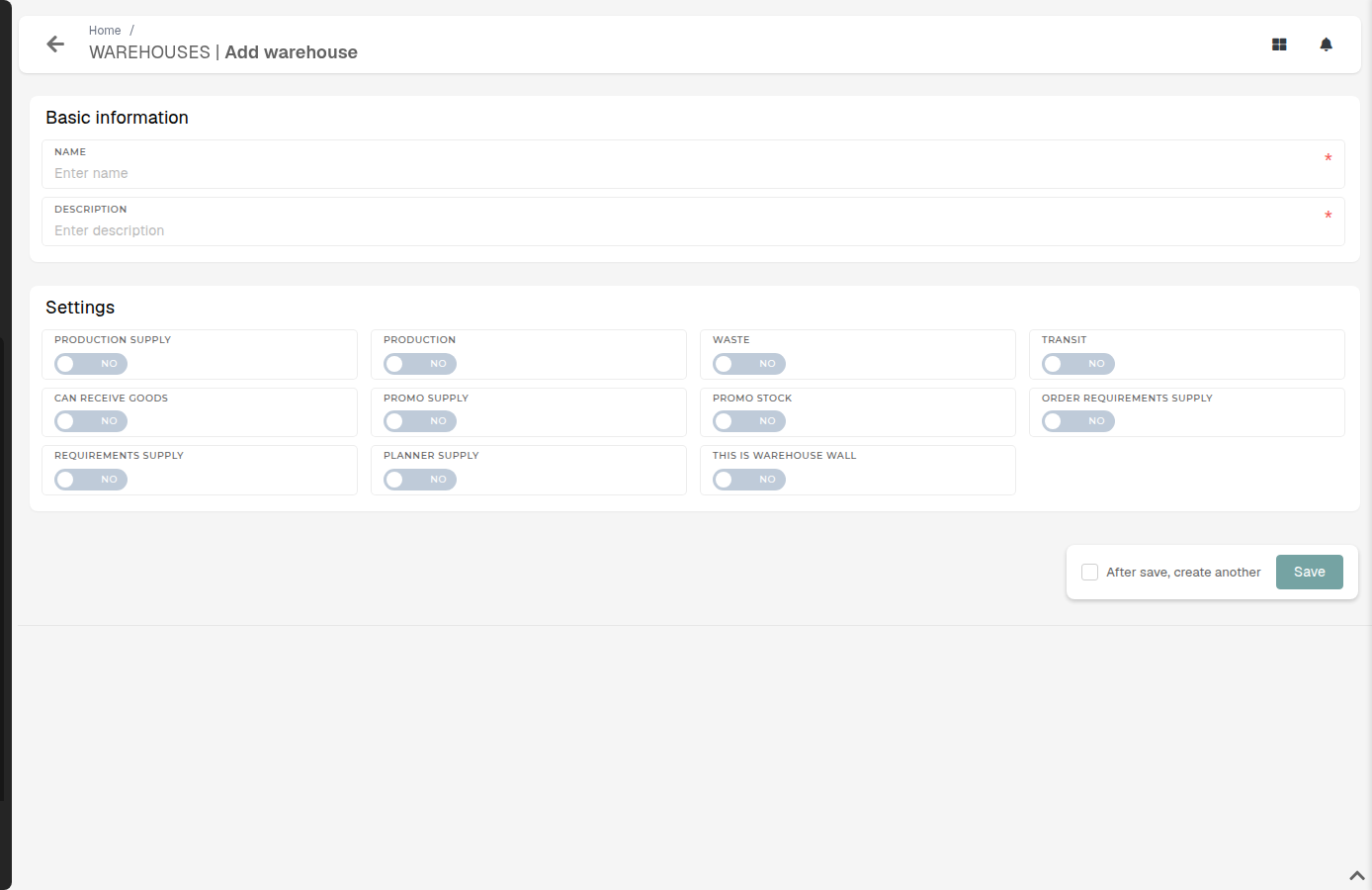 The new warehouse form