Appearance
Custom pages
Lets an admin author simple standalone HTML pages hosted inside the ERP, for example internal guides or announcements.
1. Open Custom pages
Go to Admin > Custom pages. Each row is one page, identified by its name.
 The Custom pages toolbar
 The Custom pages table
2. Open a page
Write the page's content as raw HTML, then click Preview page to open it as it will appear to viewers.
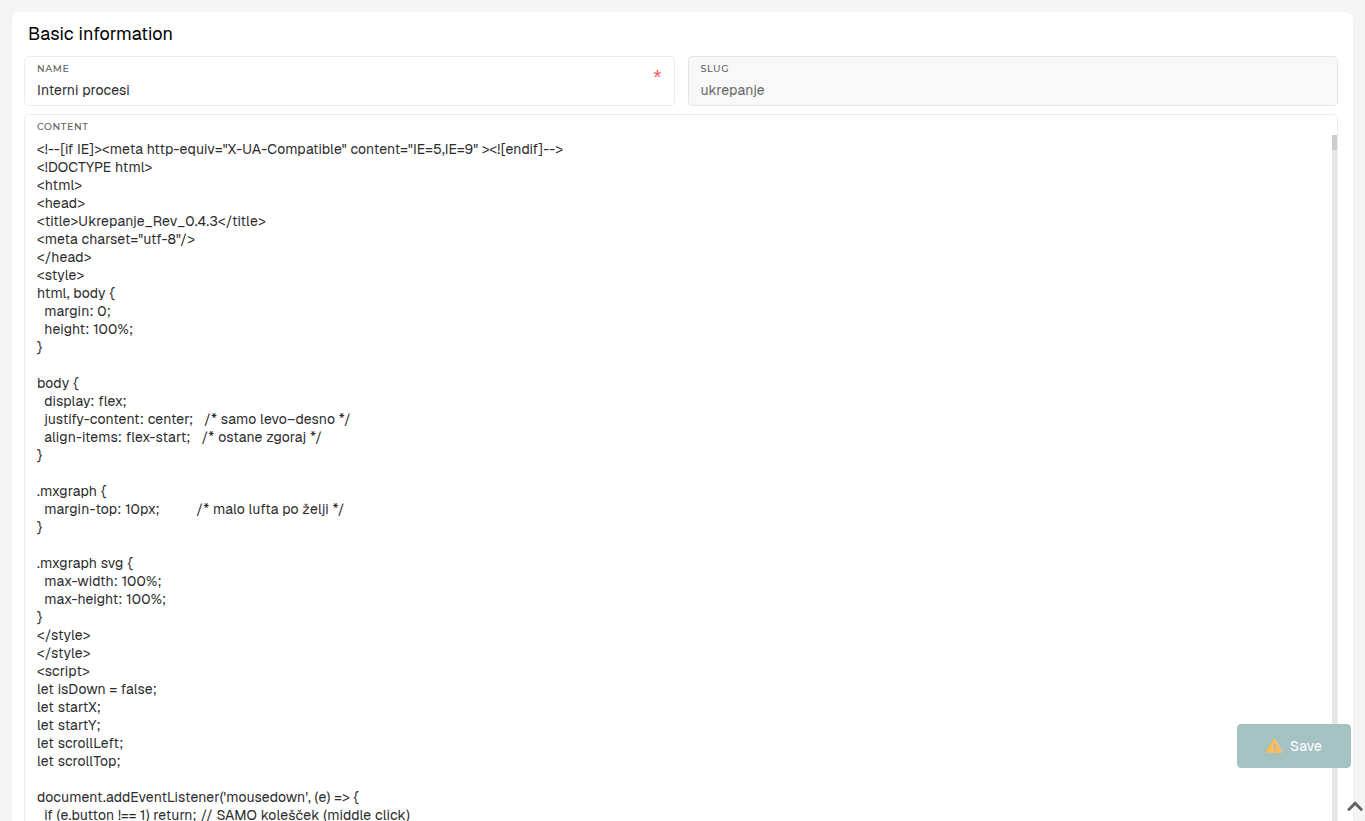 A custom page's content