Appearance
Can’t log in
If your e-mail and password aren’t working, here’s what to check before contacting the Web team.
1. Double-check your credentials
Make sure your e-mail and password are spelled correctly, and that Caps Lock isn’t on — passwords are case-sensitive.
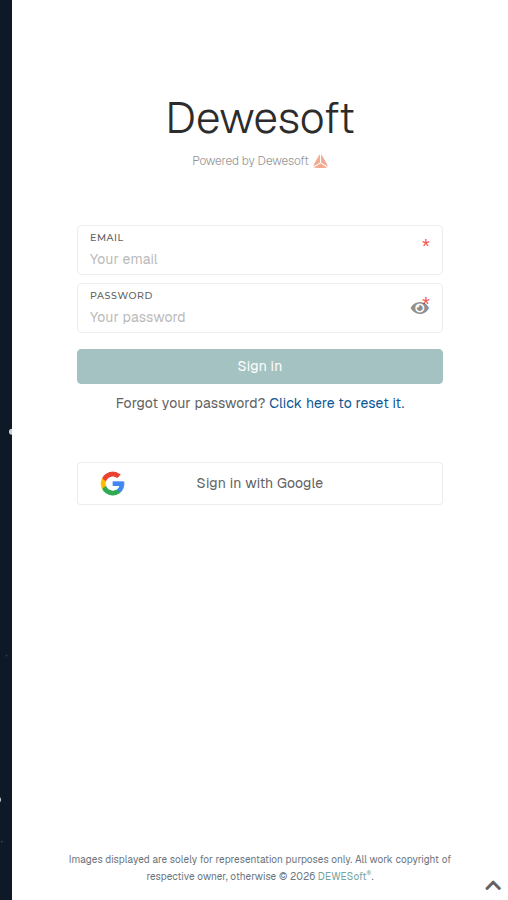 The sign-in page
2. Reset your password
Click the link below the password field, enter your e-mail, and follow the instructions sent there (check spam if it doesn’t arrive).
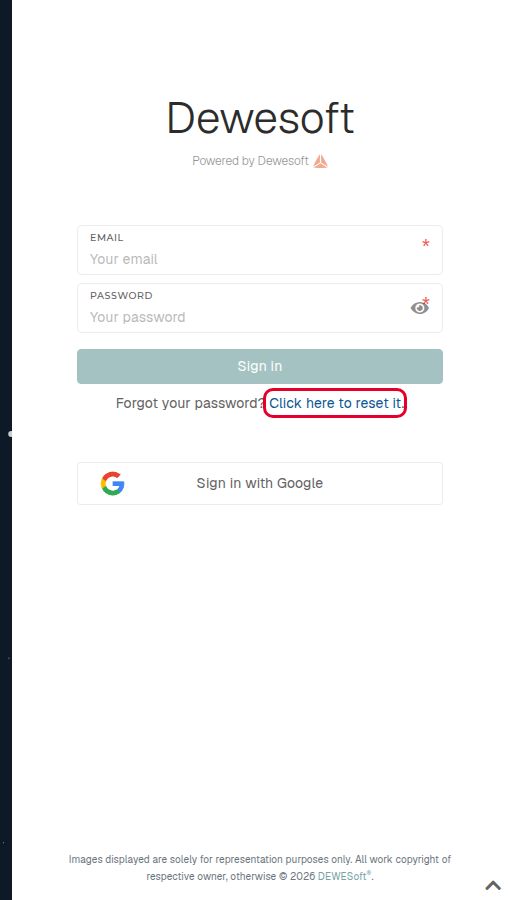 The password reset link
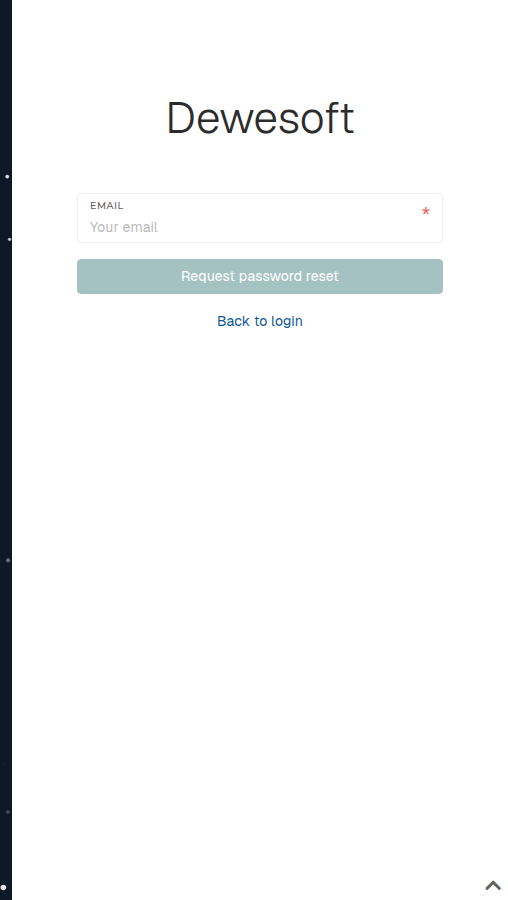 The password reset page
3. Try signing in with Google instead
Your ERP credentials are separate from your Google account — if sign-in still fails, try Sign in with Google.
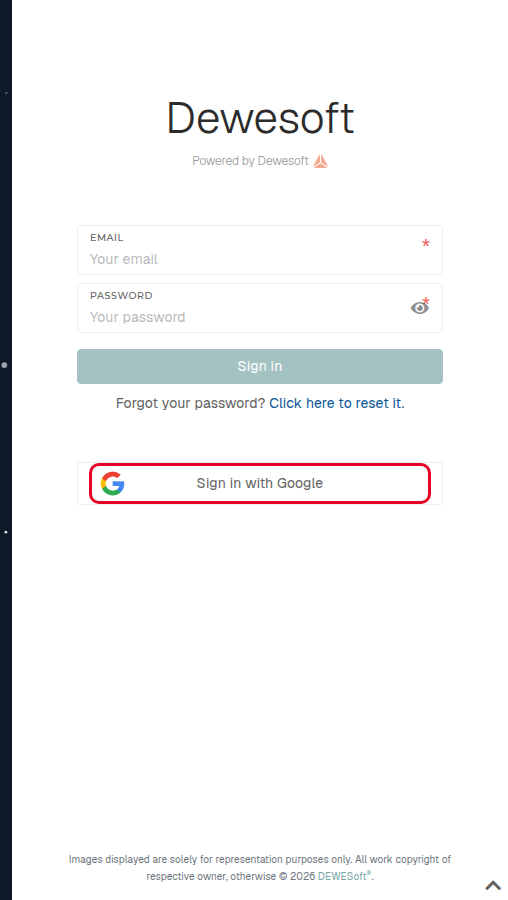 The Sign in with Google button
NOTE
Still stuck? Contact the Web team.