Appearance
Create a new internal service order
Create an internal RMA to track repair or rework on a product raised internally, without a customer involved.
1. Open the new service form
Go to Internal and click + in the top bar.
 The Add button on the Internal service orders list
2. Pick the serial and customer
Select the serial that needs work — its product fills in automatically — and the customer it’s linked to.
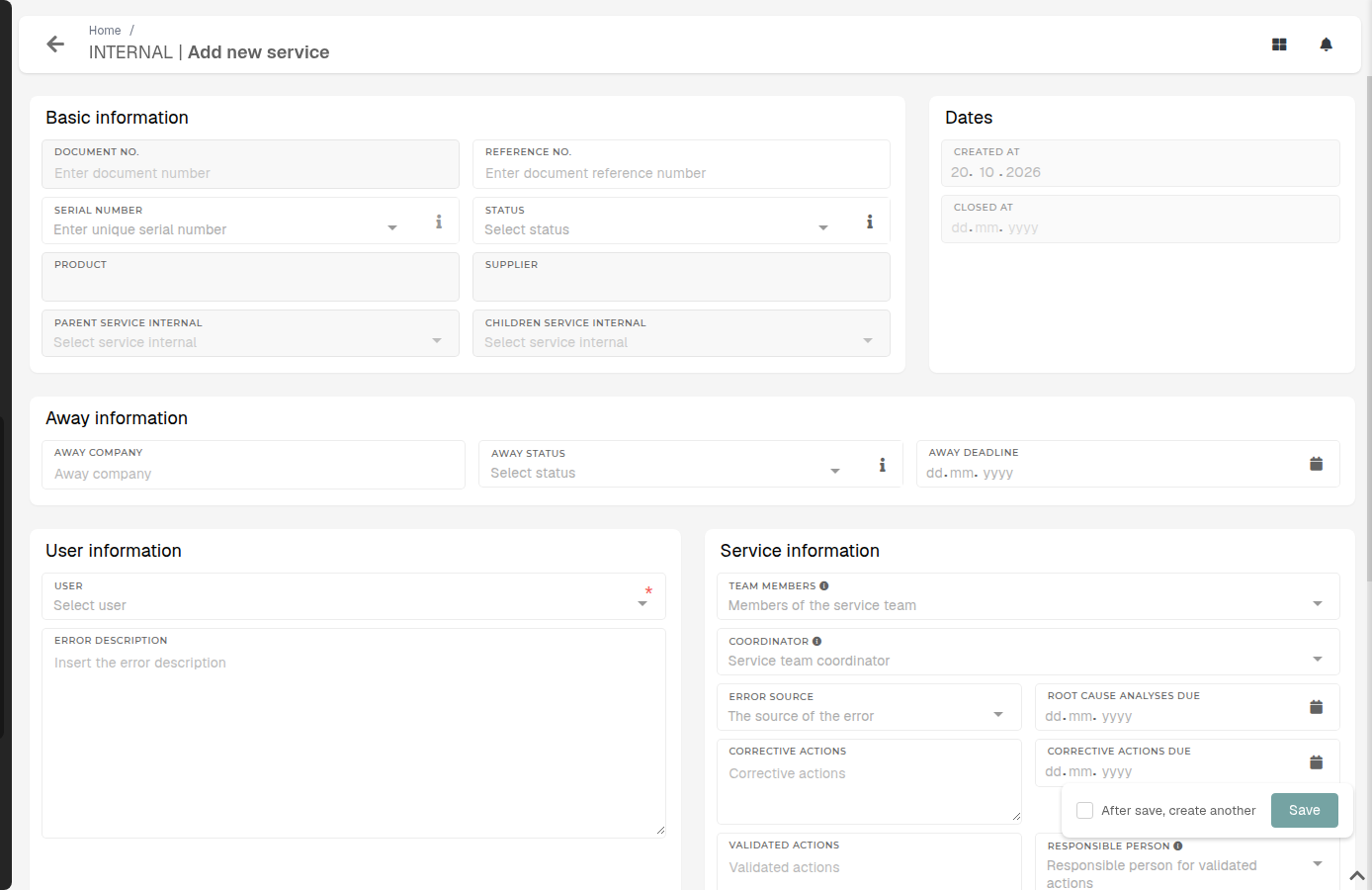 The new internal service order form