Appearance
Bill of material (BOM)
A product’s bill of material lists everything that goes into making it: its components and the quantity of each.
1. Open Bill of material
On the product page, open the Bill of material section.
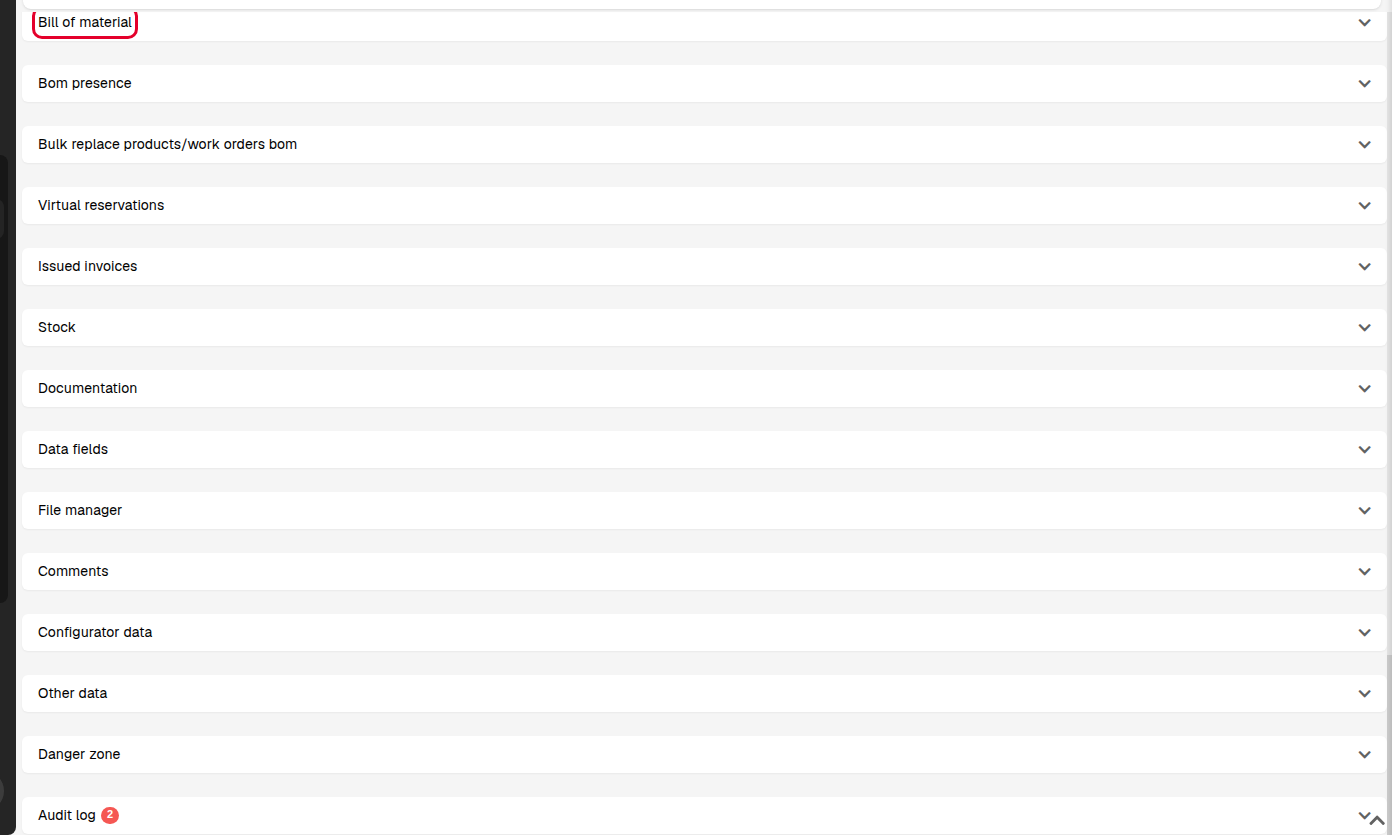 The Bill of material section
If the product has no BOM yet: Clone BOM copies one from another product, Create empty BOM starts a blank one, and Import Altium BOM brings one in from an Altium export.
NOTE
Once a BOM exists, it lists each component with its quantity — add, remove or change components directly in this table.