Appearance
Update an existing warehouse location
Open a warehouse location to change its details, or to retire it once it’s no longer used.
1. Open a warehouse location
Go to Warehouse locations and click the edit icon next to one. The name and description can be changed freely. Reassigning the warehouse should be done carefully, since it changes which settings apply to the location.
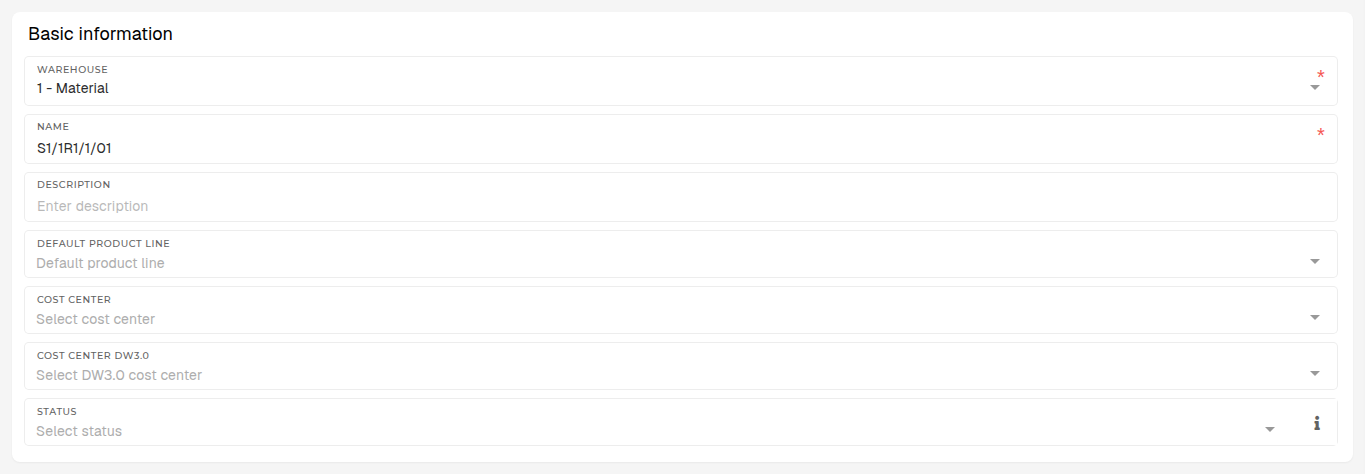 The warehouse location page
NOTE
A location that’s no longer used can’t always be deleted — if it has stock transactions, set its status to Obsolete instead. This keeps its history while removing it from active use.