Appearance
Code lists
Defines the schema of reusable dropdown/predefined-value lists used throughout the app — the list itself, not its values.
1. Open Code lists
Go to Code lists, the top-level item in the sidebar. Each row is one predefined-value list, named after the field it backs.
 The Code lists toolbar
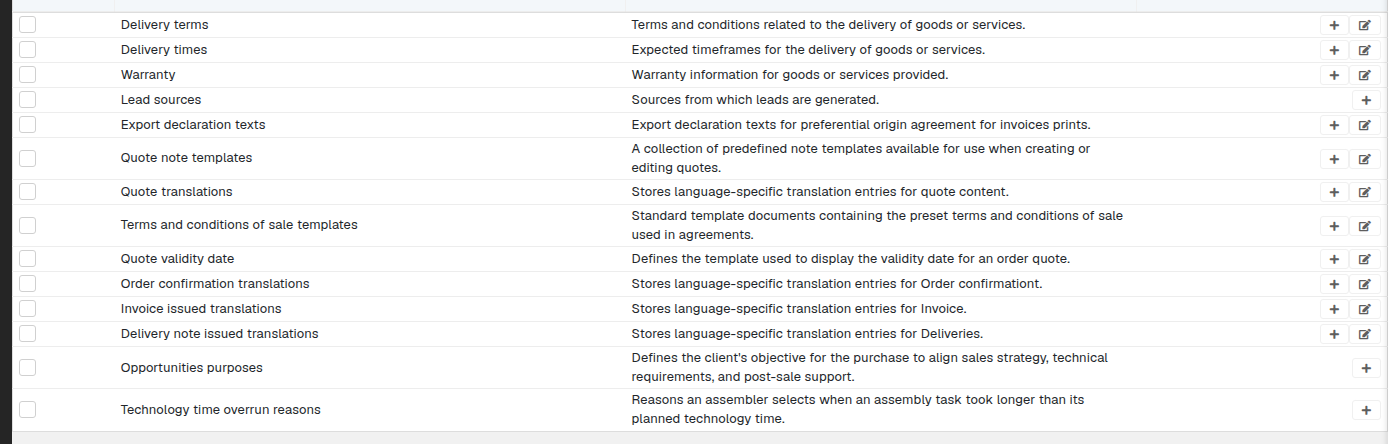 The Code lists table
2. Open a code list
A code list's columns are defined as raw JSON — only change this if you know the underlying data structure.
 A code list's definition
Click the + icon on a row to manage that list's actual values.
NOTE
A separate, unlinked Code lists editor tool (at /code-lists-editor) lets you drag-reorder and re-nest values across every table that shares a field, instead of editing one code list at a time here.