Appearance
Conference QR scanning
Scans a conference attendee’s QR code to check them in.
1. Open Conference QR scanning
Go to Developer > Conference QR scanning. Point a camera at an attendee’s QR code to check them in — their name and company appear once scanned.
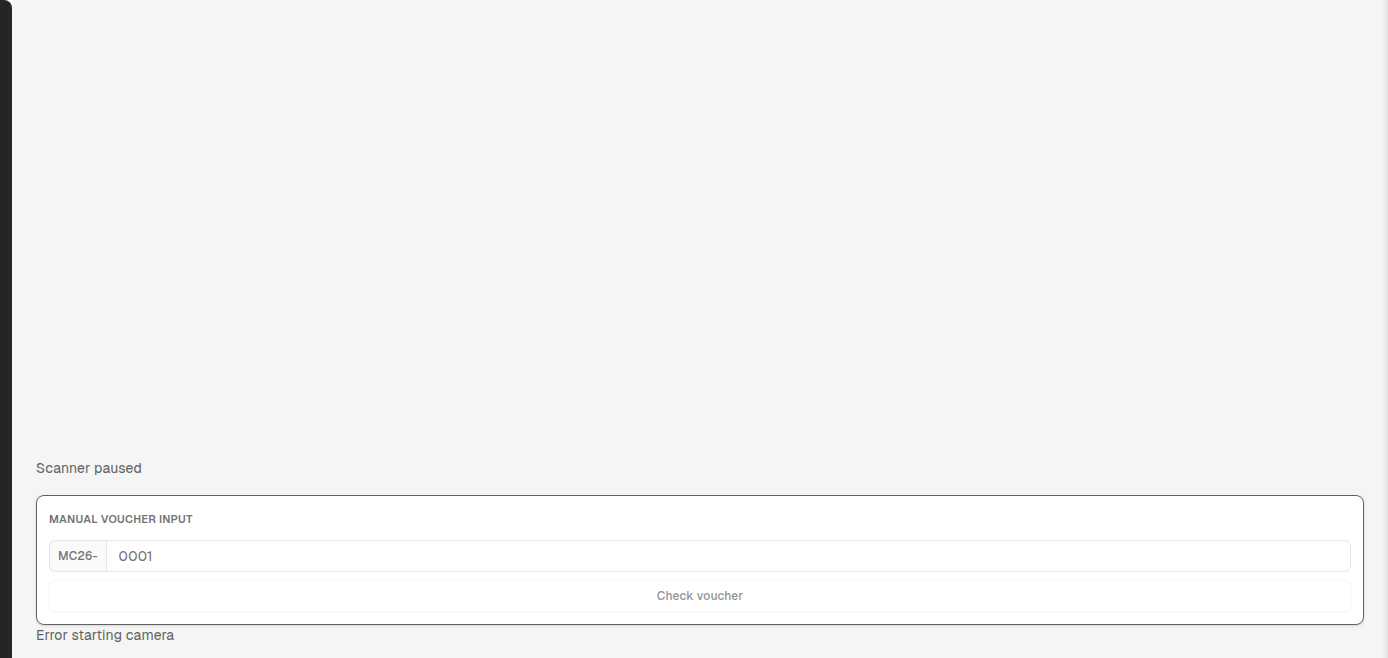 The Conference QR scanning page
No scan is performed here, since a successful scan displays the real attendee’s name and company.