Appearance
Create a goods writeoff from a goods receipt
Write off received material that turned out to be unusable — damaged, scrapped or otherwise lost. Writeoffs are created from the goods receipt they came in on, once it’s booked.
1. Open the Goods writeoffs section
On a booked goods receipt, open the Goods writeoffs section and click Create new goods writeoff.
 The Goods writeoffs section, on the goods receipt
2. Pick items and movement type
Set the movement type, then check the items (and quantities) to write off.
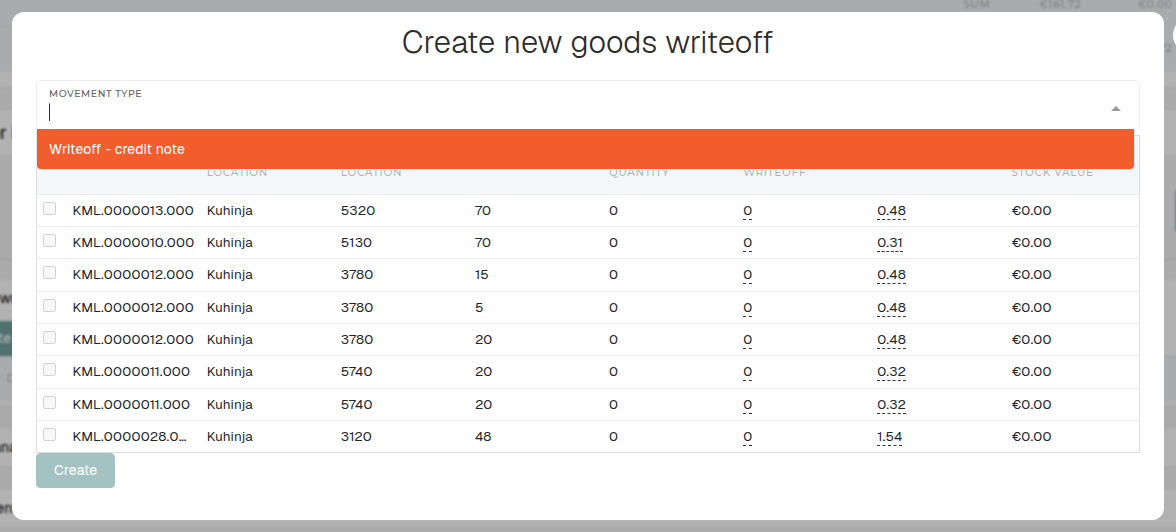 Creating a goods writeoff