Appearance
Global search
Global search looks up records across the whole ERP by document number, name and more — not just pages, like Go To does.
1. Open global search
Press Ctrl + S anywhere in the ERP to open global search.
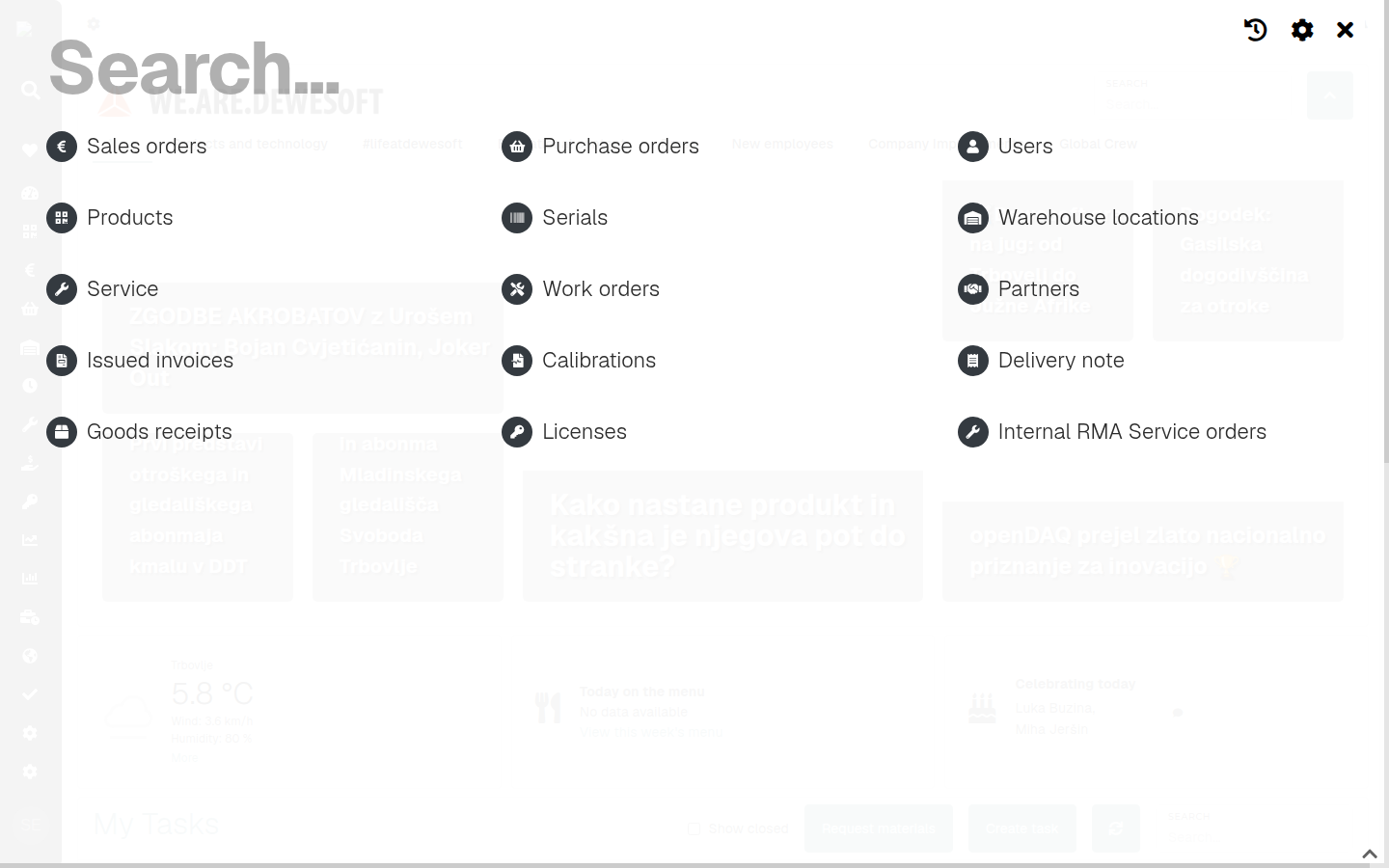 Global search, with its result categories
2. Reuse a past search
The clock icon shows your search history, filtered to match what you’ve typed.
 The search history icon
3. Choose what to search
The gear icon lets you turn result categories on or off, so only the ones you care about show up.
 The search settings icon
NOTE
Results only ever show data you’re authorized to see — an empty category can mean there were no matches, or that you don’t have access to it.