Appearance
Create a new goods rebook
Create a goods rebook to convert stock of one product into another, for example to fix a miscoded goods receipt or reclassify defective stock as scrap.
1. Open the new rebook form
Go to Goods rebooks and click + in the top bar.
 The Add button on the Goods rebooks list
2. Add the rebook items
Enter a description, then click Manage goods rebook items to add the from and to products, the warehouse location and the quantity. Not every product type can be rebooked into every other — the rebook matrix decides which conversions are allowed.
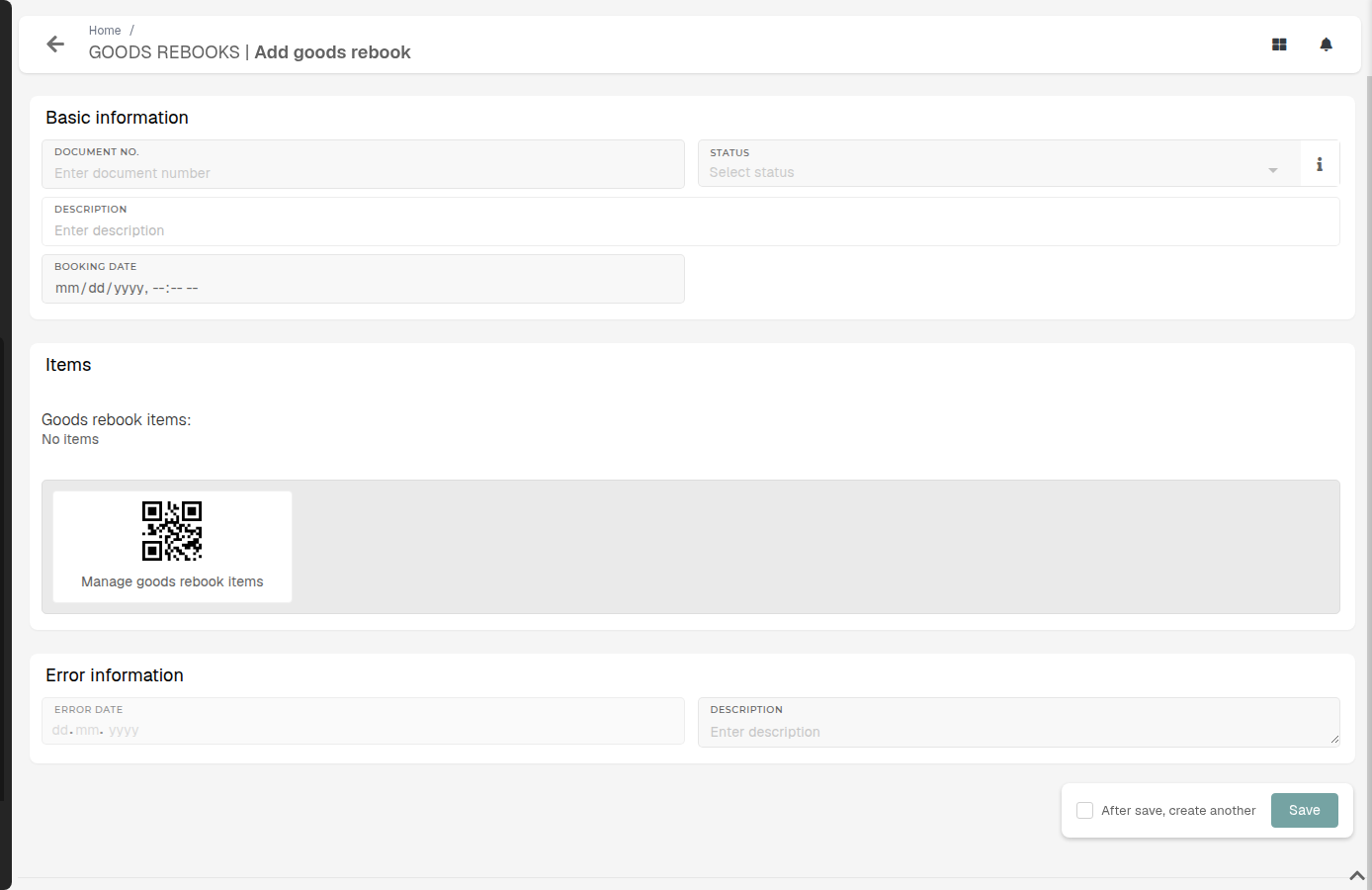 The new goods rebook form