Appearance
Update an existing price list
Open a price list to adjust its settings, or to add a new version of it.
1. Open a price list
Go to Price lists and click the edit icon next to one.
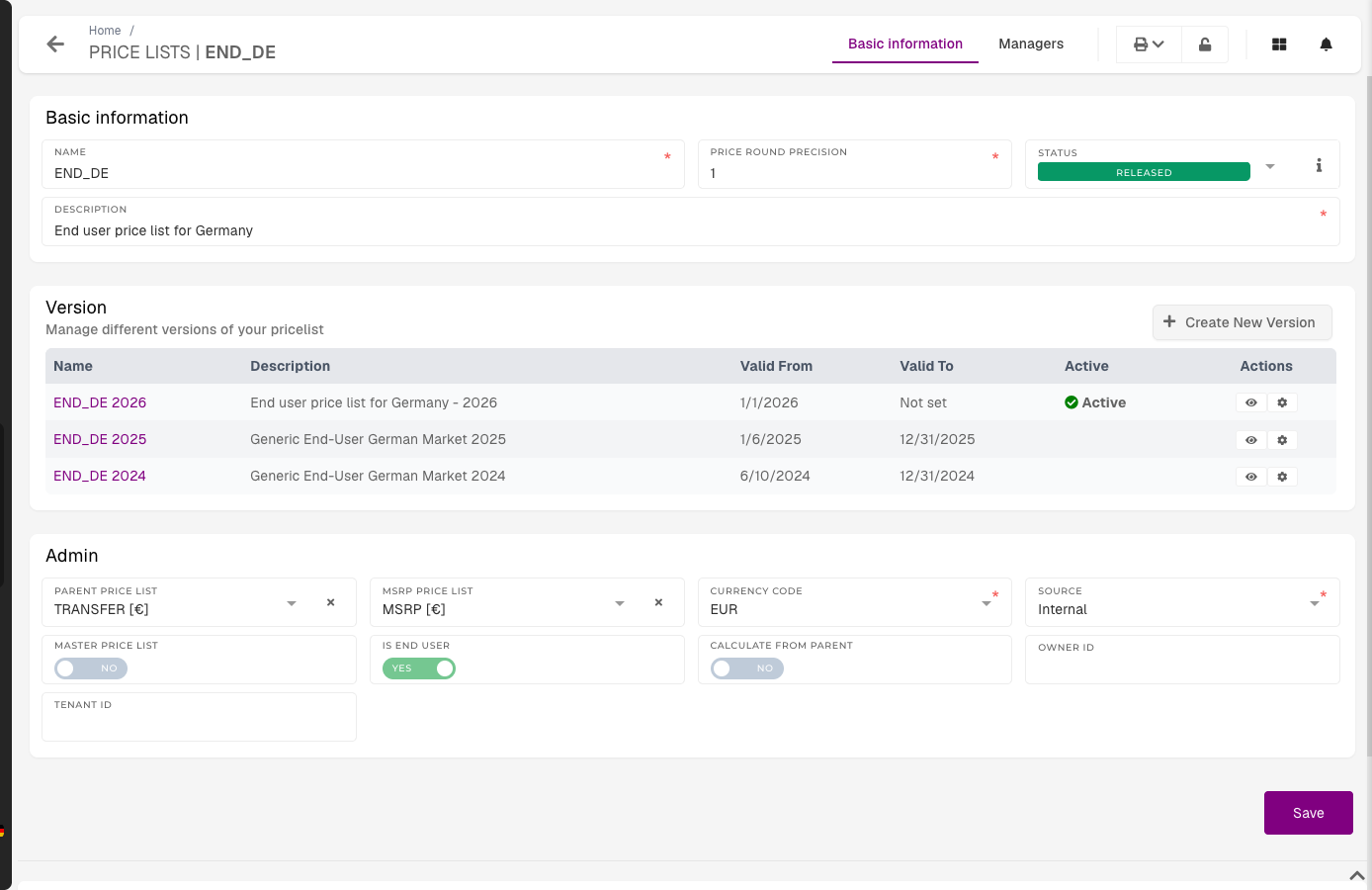 The price list page
2. Add a new version
Every price list can have multiple versions over time, each with its own validity dates. Click Create New Version to start one — see Create a new price list version.
 The price list versions table
NOTE
A price list can also be duplicated from the list page, and deleted in bulk by checking rows and using the toolbar’s delete action — there’s no per-record delete button on this page.