Appearance
Create a new purchase order
Create a purchase order to order material from a supplier.
1. Open the new purchase order form
Go to Purchase orders and click + in the top bar.
 The Add button on the Purchase orders list
2. Fill in the order
Pick the Supplier, then add the materials you want to order as line items.
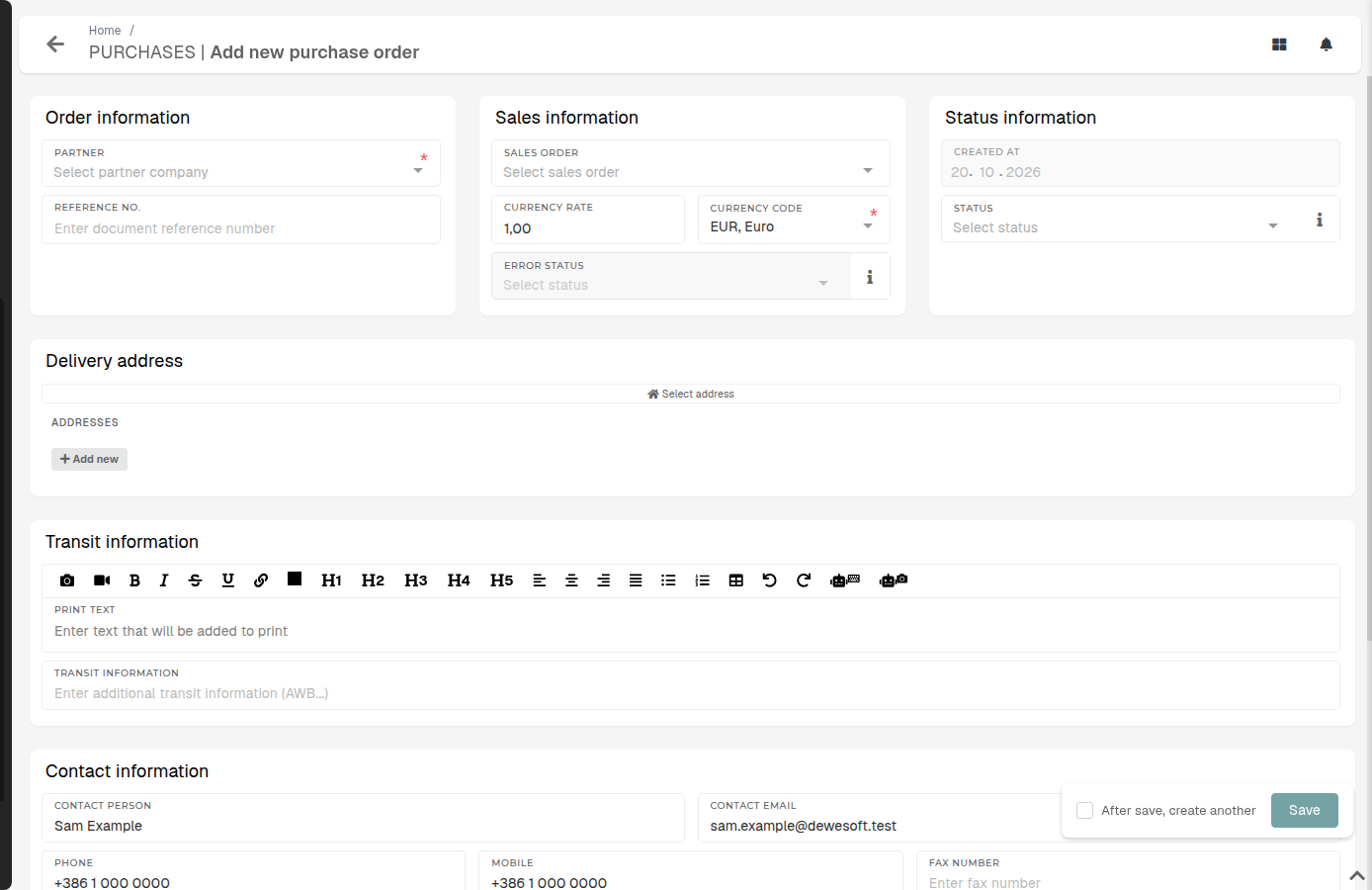 The new purchase order form