Appearance
Scheduled job detail
A scheduled job’s detail page is also where you trigger it manually and review its run history.
1. Run a job on demand
Open a scheduled job and click Run in the toolbar to trigger it immediately, without waiting for its schedule.
 A scheduled job’s toolbar
2. Review its run history
The Latest logs section shows each recent run, whether it succeeded, and any message it logged.
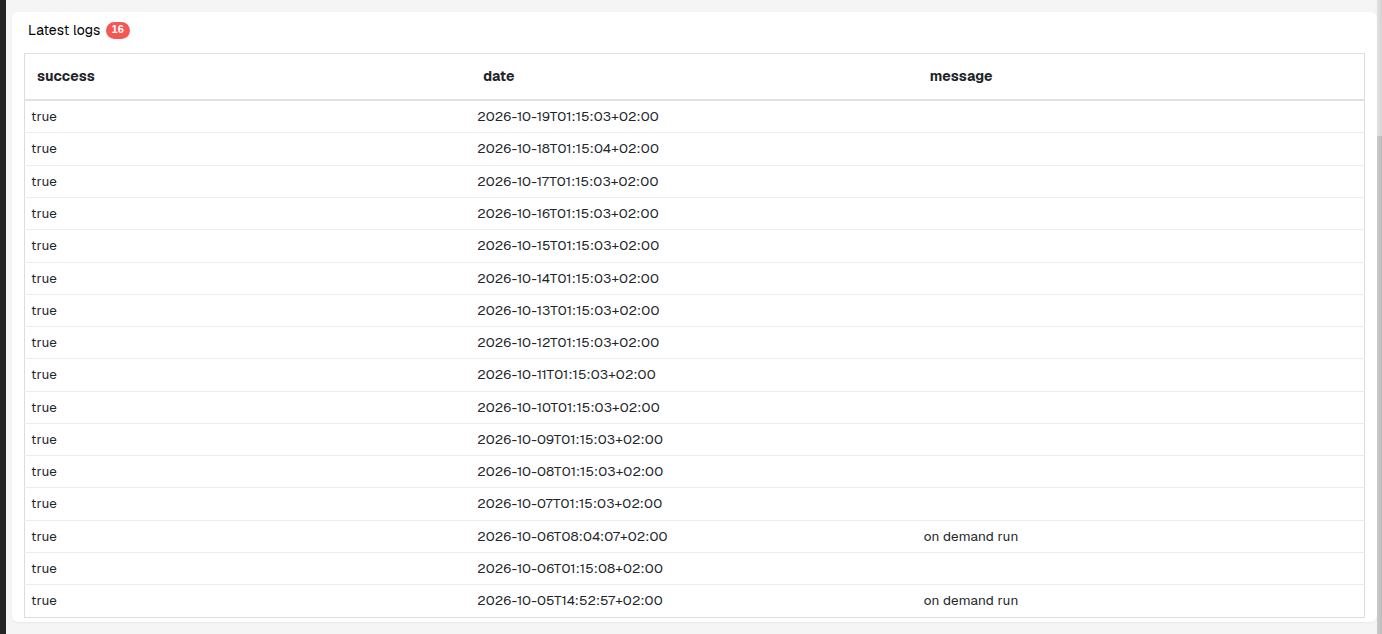 The Latest logs section
The Linked filters section lists any saved filters attached to this job — for example, a report job that emails only the rows matching a specific filter.