Appearance
Creating a partner
Adds a new customer, supplier, or other business contact to Partners.
1. Open the new partner form
Go to Code lists > Partners and click Add. Fill in at least the partner type, short name, and payment term — the rest can be filled in later.
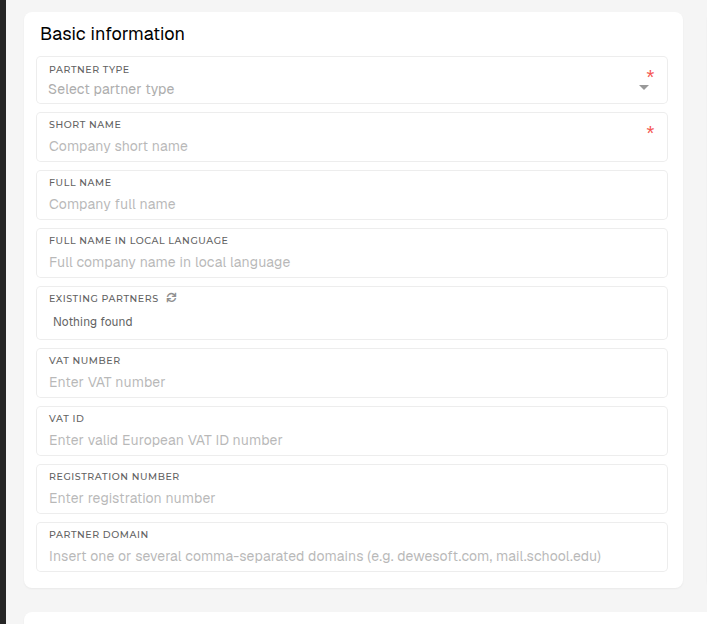 The new partner form
TIP
As you type a short name, a list of existing partners with a similar name appears below the field — check it before saving, to avoid creating a duplicate.
2. Or duplicate an existing partner
Instead of starting from a blank form, open an existing similar partner and use its Duplicate action — it pre-fills a new partner with that partner’s addresses, bank accounts, tags, and products, ready to adjust.