Appearance
Scheduled jobs
The background jobs that run automatically on a schedule — syncs, cleanups, notifications, and more.
1. Open Scheduled jobs
Go to Admin > Scheduled jobs. Each row is one job — its command, how often it runs (cron interval), whether it’s enabled, and the result of its last run.
 The Scheduled jobs toolbar
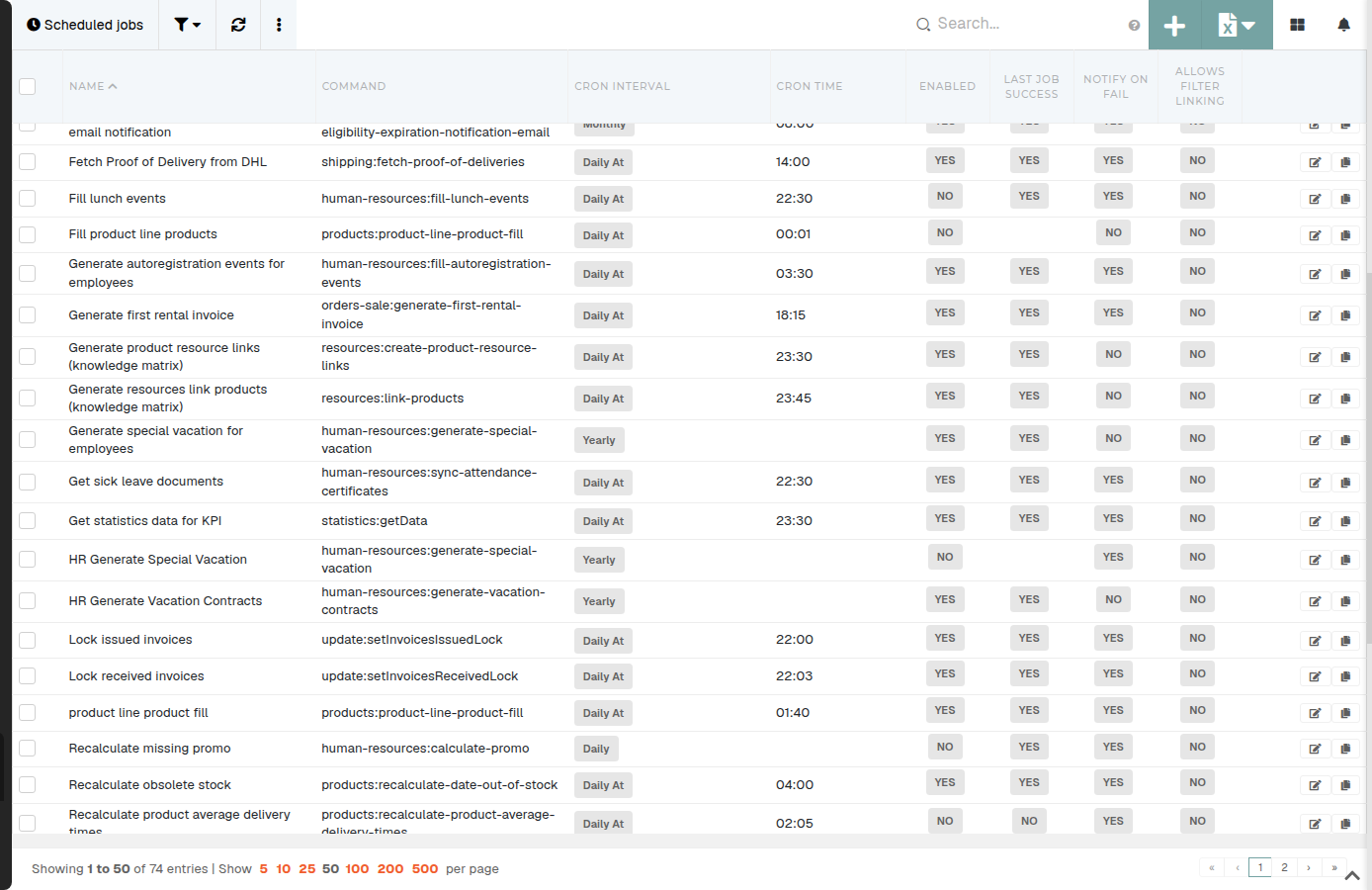 The Scheduled jobs table
NOTE
Open a job and use Run now to trigger it immediately, without waiting for its schedule.