Appearance
Workflow approval
Your own attendance calendar — arrivals, overtime, and leave balance — and where you request time off or other workflow approvals.
1. Open your Workflow approval tab
Go to your Profile > Workflow approval (it opens by default). It shows your attendance calendar, arrival and overtime balance, and remaining leave.
 The Profile tabs
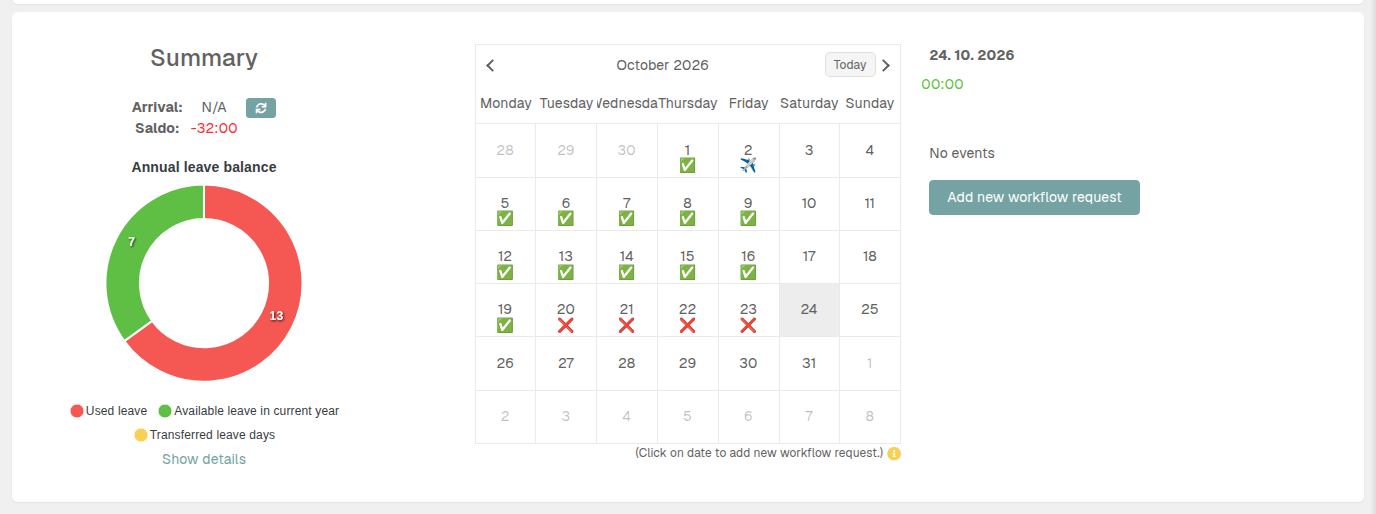 Your workflow approval calendar
NOTE
Clicking a day to request time off or report an absence opens a form showing your department lead’s and approvers’ names — no screenshot of that form is included here since it names real people.