Appearance
Create a new price list
Create a price list to set up a new currency, source or pricing hierarchy before adding versions and products to it.
1. Open the new price list form
Go to Price lists and click + in the top bar.
 The Add button on the Price lists list
2. Fill in the basics
Give it a name, description, currency and a price source. A price list can also be nested under a parent, and set to sync its prices from it.
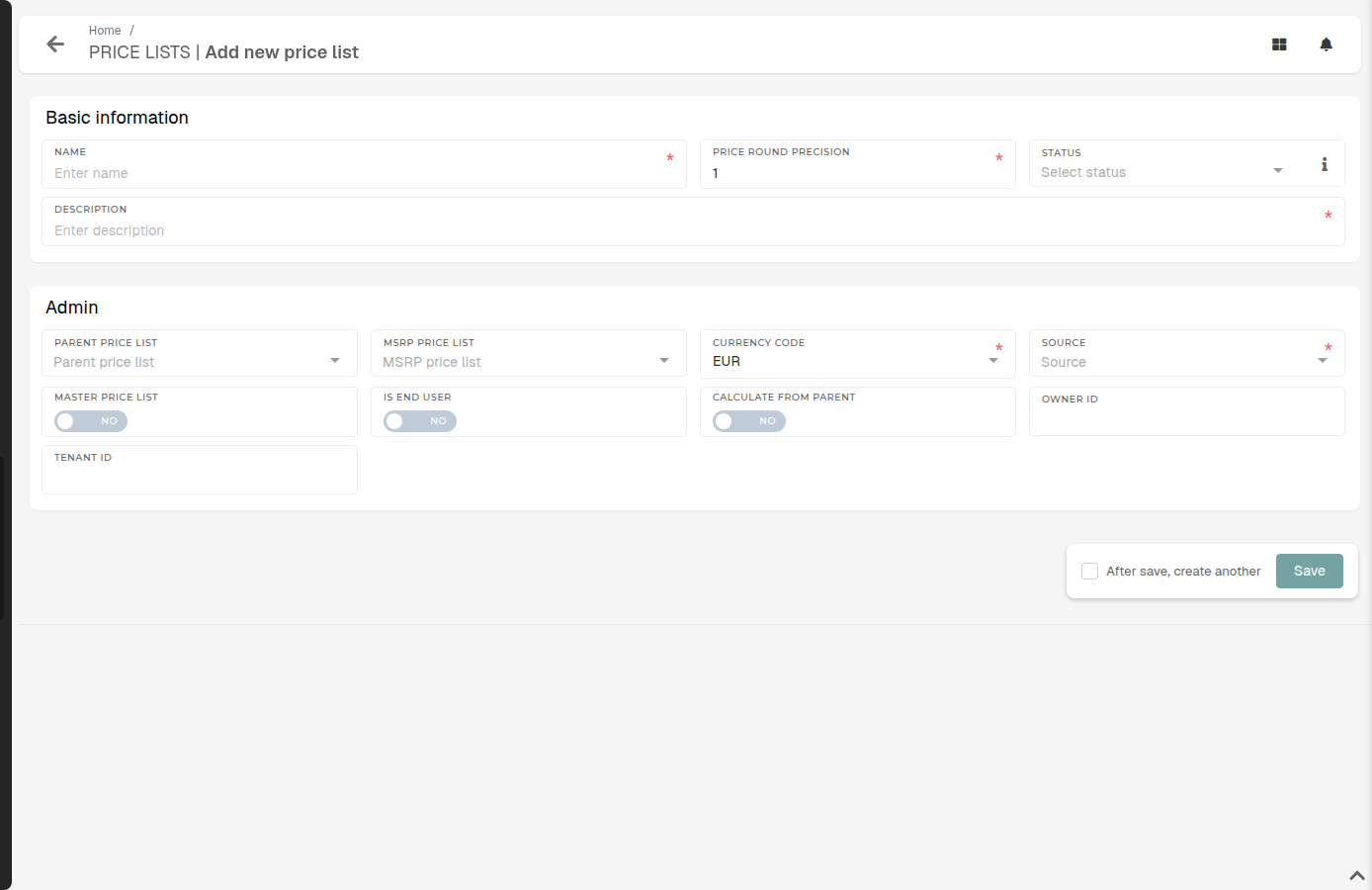 The new price list form