Appearance
BOM presence
BOM presence shows every other product’s bill of material that this product appears in — useful before changing or discontinuing it.
1. Open BOM presence
On the product page, open the Bom presence section.
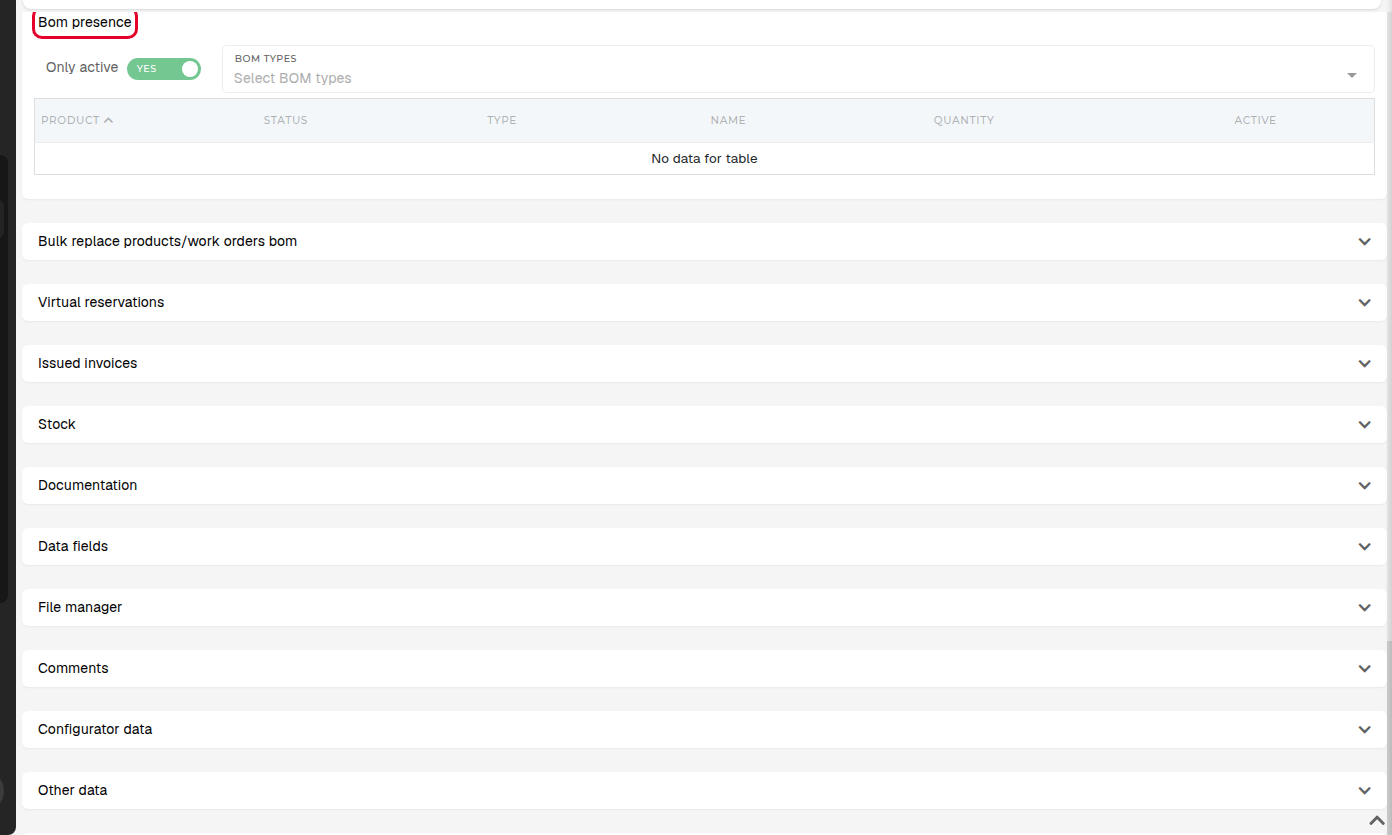 The BOM presence section
2. Filter the results
Toggle Only active to include or exclude discontinued BOMs, and use BOM types to narrow the list to specific BOM types.
Each row shows the other product, the BOM’s status, type, name, the quantity of this product it uses, and whether that BOM is active.