Appearance
Statistics queries
Developer-facing: defines a scheduled SQL query whose result populates a statistics table used by reports and dashboards.
1. Open Statistics queries
Go to Admin > Statistics queries. Each row is one scheduled query: its target table, whether it's enabled, and when it last ran.
 The Statistics queries toolbar
 The Statistics queries table
2. Open a query
The SQL that populates the target table, and which scheduled jobs trigger it.
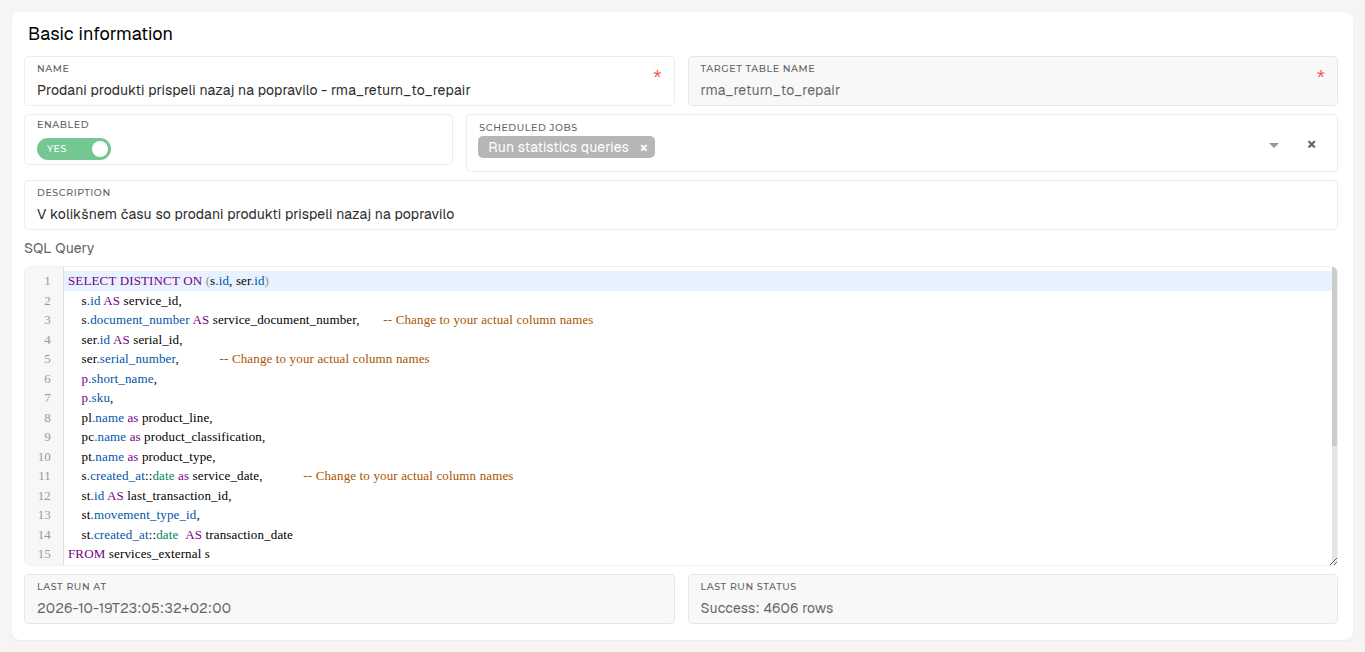 A statistics query's definition
CAUTION
Run query now executes the stored SQL against the live database immediately, and Rename table renames the real underlying database table — both take effect right away. Only a developer should use these.