Appearance
Update an existing goods receipt
Open a goods receipt to check or adjust it — this is generally discouraged once material has been booked in.
1. Open a goods receipt
Go to Goods receipts and click the edit icon next to one.
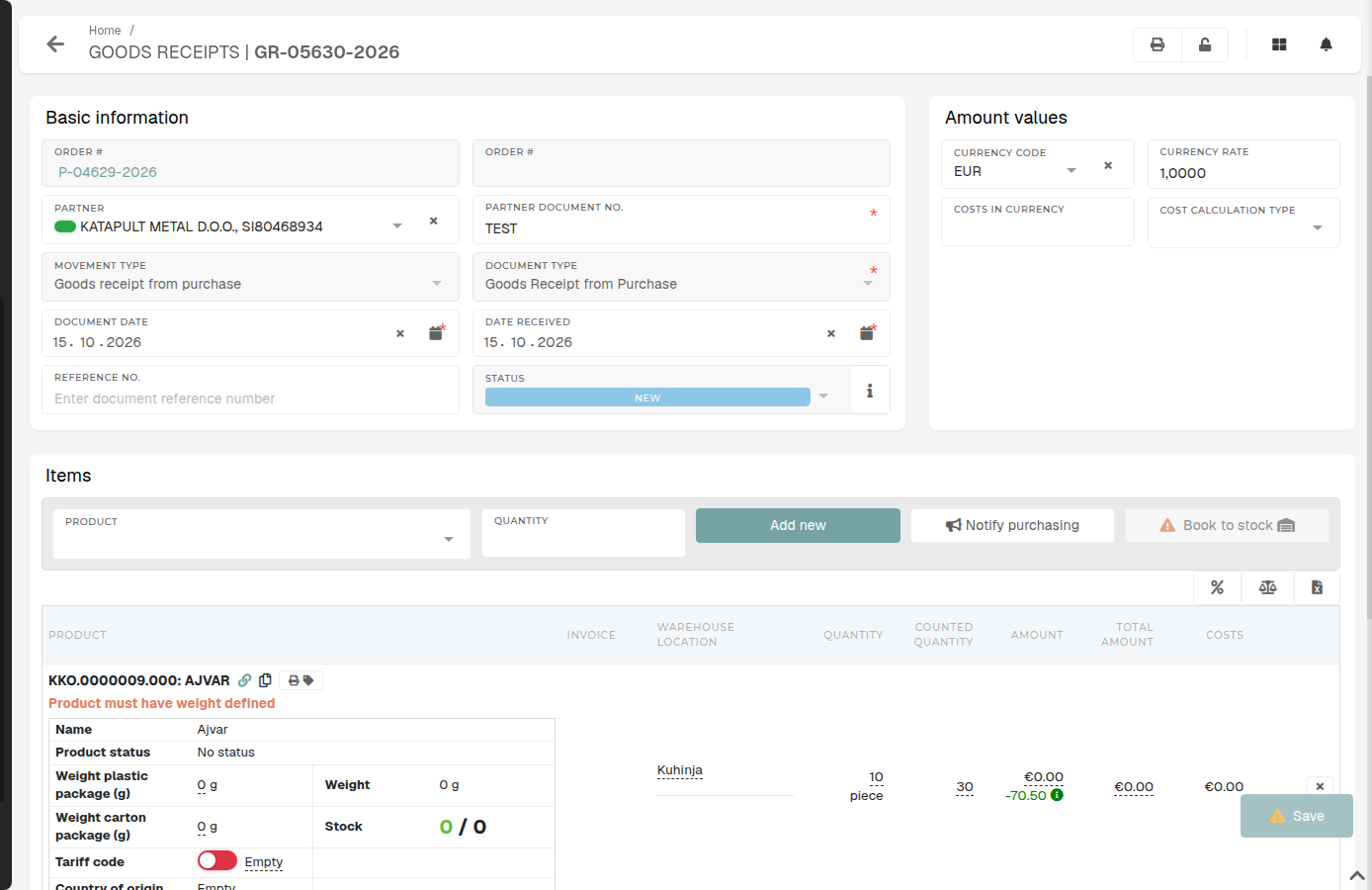 The goods receipt page
IMPORTANT
Changing a goods receipt after it’s booked can throw off stock and purchasing numbers — if something’s wrong, cancel it instead. See Cancel a goods receipt.