Appearance
Bulk replace material
Replace a material everywhere it’s used at once, instead of editing each product’s or work order’s bill of material by hand.
1. Open Bulk replace
On the product page, open the Bulk replace products/work orders bom section.
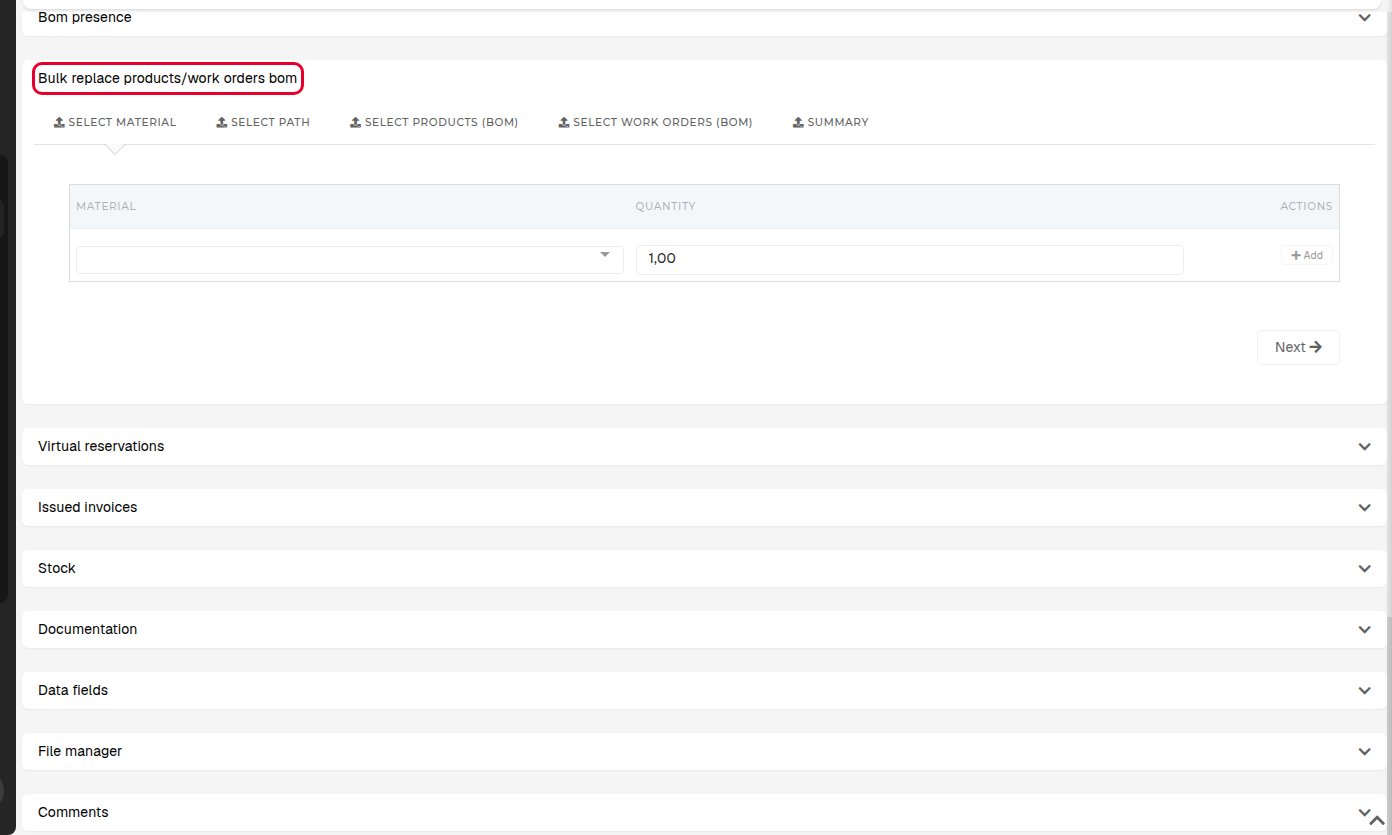 The Bulk replace section
Pick the replacement product, then choose whether to update every open product BOM and work order that uses this one, or only a selection. The quantity carries over to the replacement.
IMPORTANT
This changes every matching BOM and work order at once — check the selection before confirming.