Appearance
Engraving
Tracks work order material sent to and received from an external engraving step during production.
1. Send material to engraving
Go to Warehouses > Engraving. On the Send tab, click Select to pick a work order (or scan a serial number / OPF box) and send its reserved material out for engraving.
 The Engraving toolbar, on the Send tab
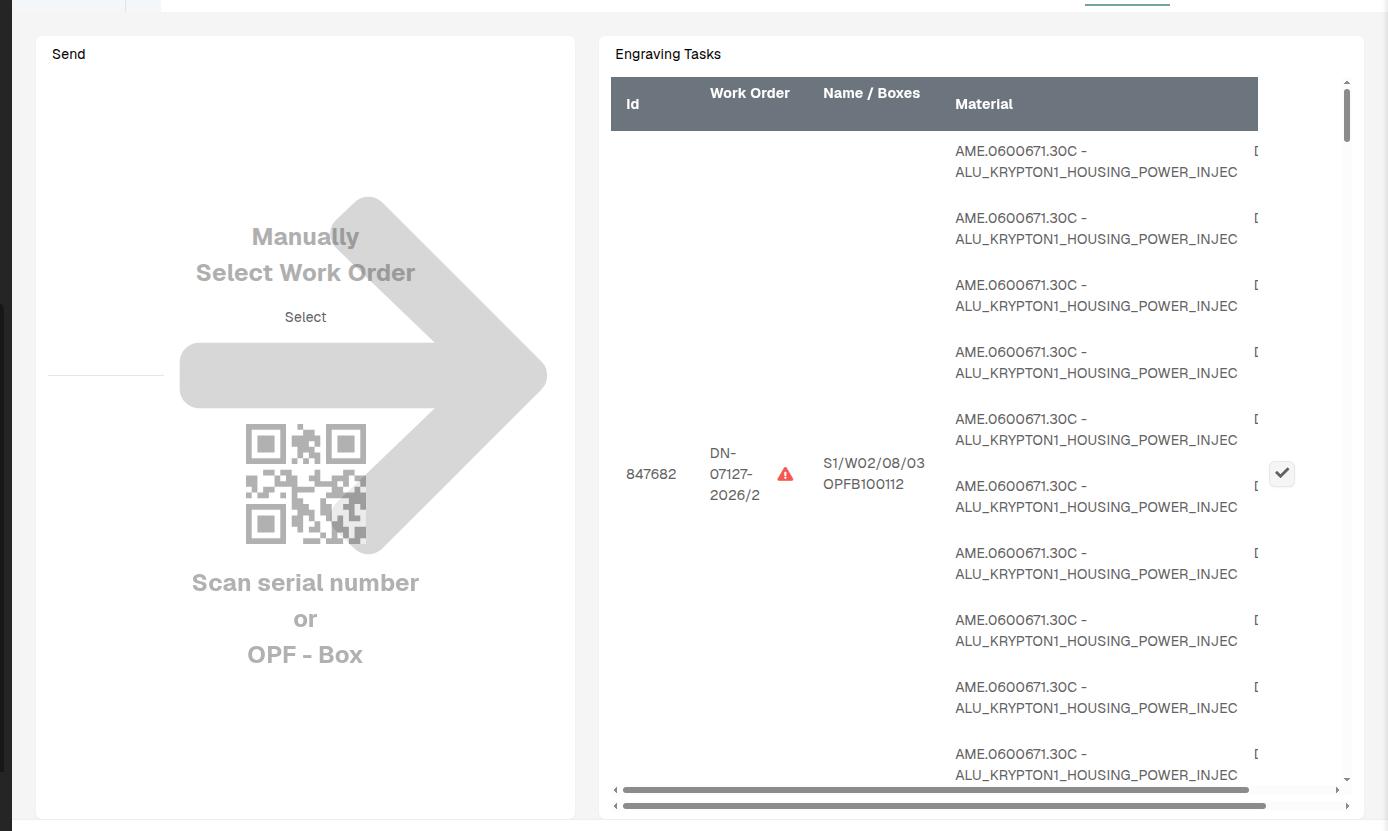 The Send tab: select a work order, or scan a serial/box
2. Receive material back
Switch to the Receive tab to check material back in the same way, by work order or by scan.
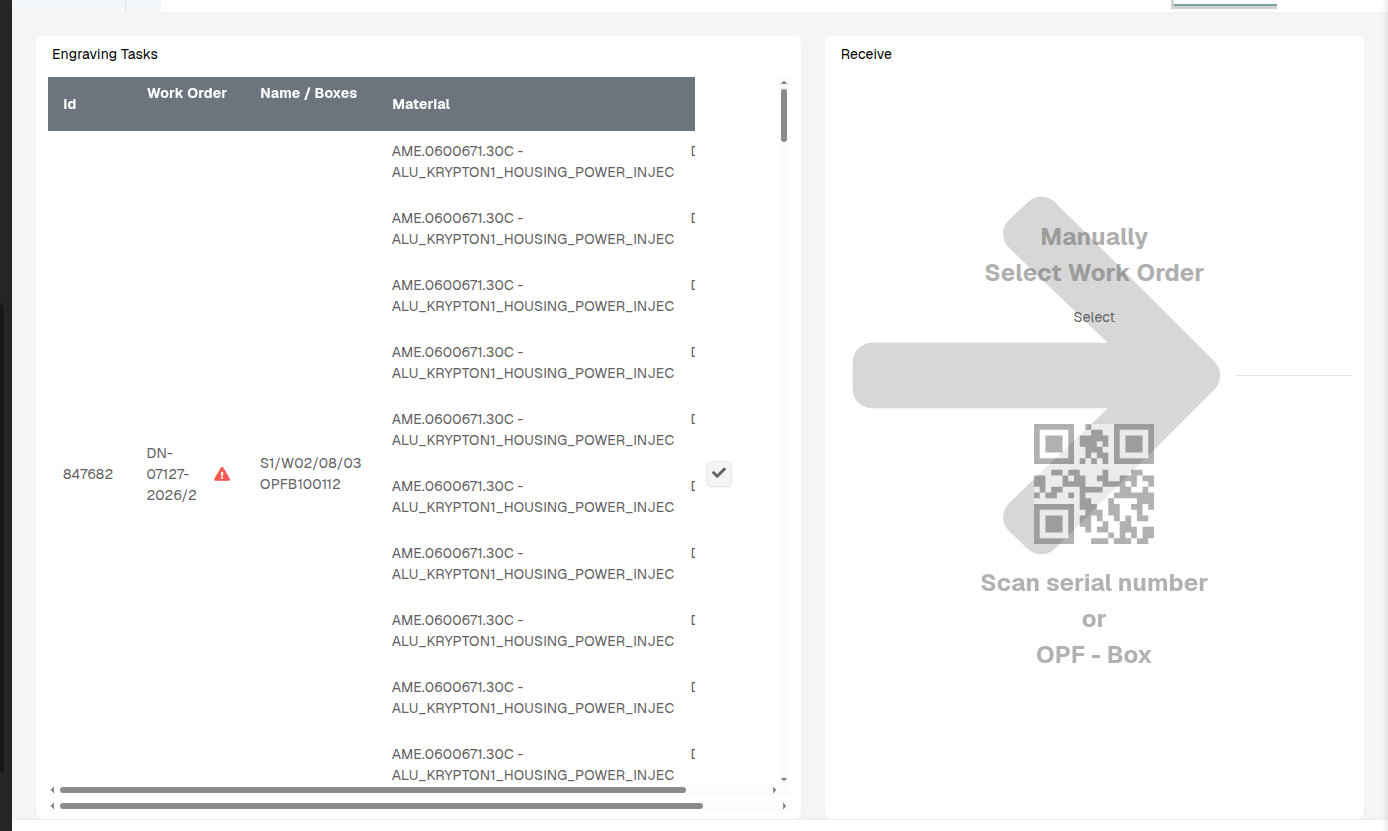 The Receive tab
The Engraving Tasks panel lists every open task, with a checkmark button to close a task once its material is fully accounted for.