Appearance
Create a new sales forecast
Create a sales forecast to plan the company’s expected profitability over a timespan.
1. Start a new forecast
Go to Sales forecasts and click + above the table.
 The Add button on the Sales forecasts list
2. Set the timespan
In the popup, set the forecast’s timespan, then confirm.
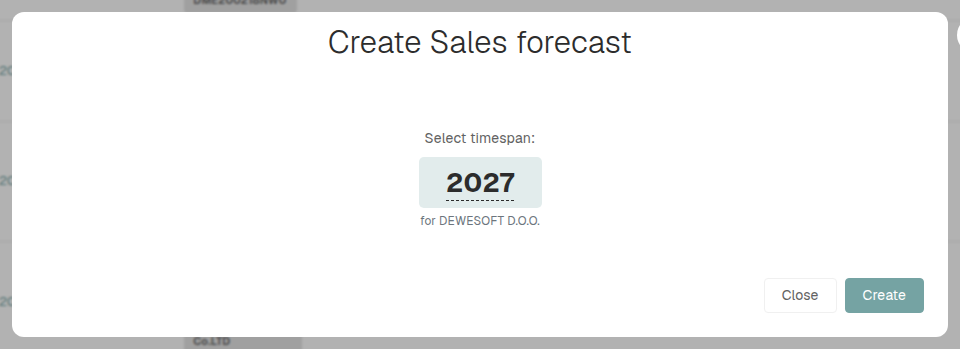 Setting the forecast timespan
This opens the forecast’s own edit page, where you adjust its categories and submit it for review.