Appearance
Create a new external service order
Create an external RMA when a customer sends a product in for repair, calibration or inspection.
1. Open the new service form
Go to External and click + in the top bar.
 The Add button on the External service orders list
2. Fill in the basics
Pick the handling country, the customer, the partner and either a serial or a product — the product it concerns, one way or another, is required. Everything else (error description, dates, pricing) can be filled in or left for later.
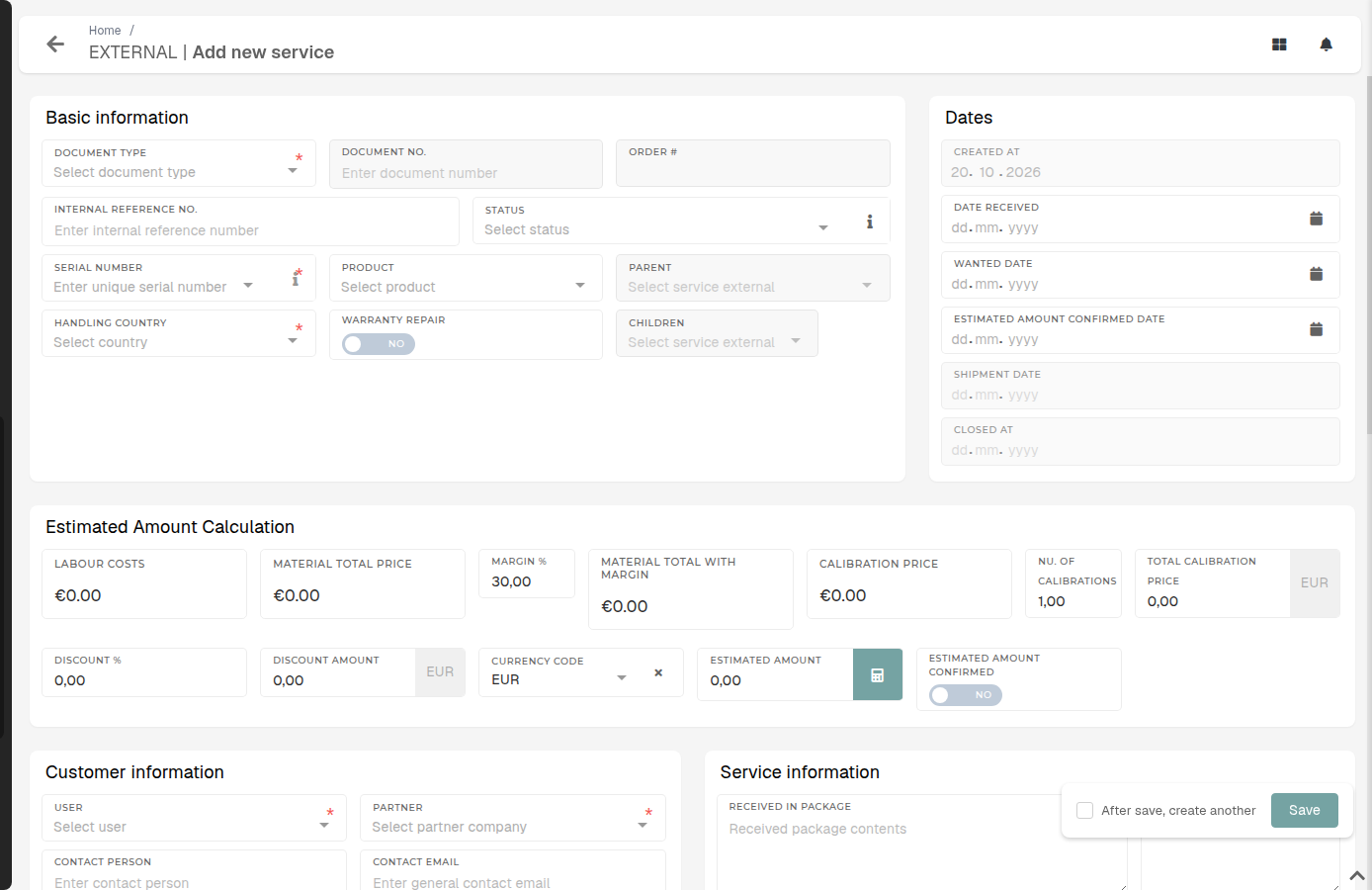 The new external service order form