Appearance
Issued invoices
The invoices Dewesoft issues to its customers, generated from a sales order.
1. Open Issued invoices
Go to Sales > Issued invoices. Each row is one invoice, with its partner, amount, and status.
 The Issued invoices toolbar
Every row identifies a real customer, so no table screenshot is included here.
2. Invoice details
Invoice info, partner and billing address, dates, and amounts — generated from the originating sales order.
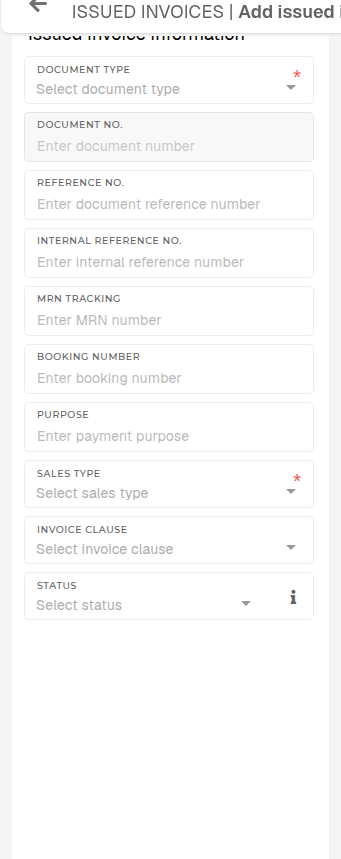 The issued invoice form
CAUTION
The Print, Send to Business Central, and Send to DocuWare actions all use the real customer's identity — this guide doesn't demonstrate them.