Appearance
Restore a removed serial to the BOM
When a serial was removed from a BOM by mistake, put it back from the serial tree instead of adding it again. You find the tree under each work order of an internal service, an external service or an upgrade.
1. Find the removed serial
Open Work orders and expand the serial tree under the work order down to the product line. A serial that was removed from the BOM is crossed out and marked (Removed: date).
 A serial removed from the BOM
2. Restore it
Hover the removed serial and click the Restore to BOM icon at the end of its row.
 The Restore to BOM icon
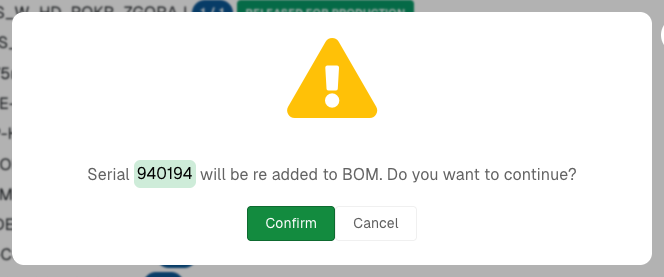 Confirm that the serial goes back into the BOM
Click Confirm. The serial is part of the BOM again and the (Removed: …) mark disappears.
 The serial is back in the BOM
NOTE
You see the Restore to BOM icon when you have the Restore serial bom serial permission (group serial-bom-serial; super-admins always have it), and only while the work order is not locked. The serial tree on the serial page itself is read-only.