Appearance
Create a new warehouse location
Create a warehouse location to track stock at a specific spot within a warehouse.
1. Open the new warehouse location form
Go to Warehouse locations and click + in the top bar.
 The Add button on the Warehouse locations list
2. Fill in the basics
Pick the warehouse it belongs to and give it a name to tell it apart from the warehouse’s other locations. A description, default product line, cost centers and status are all optional.
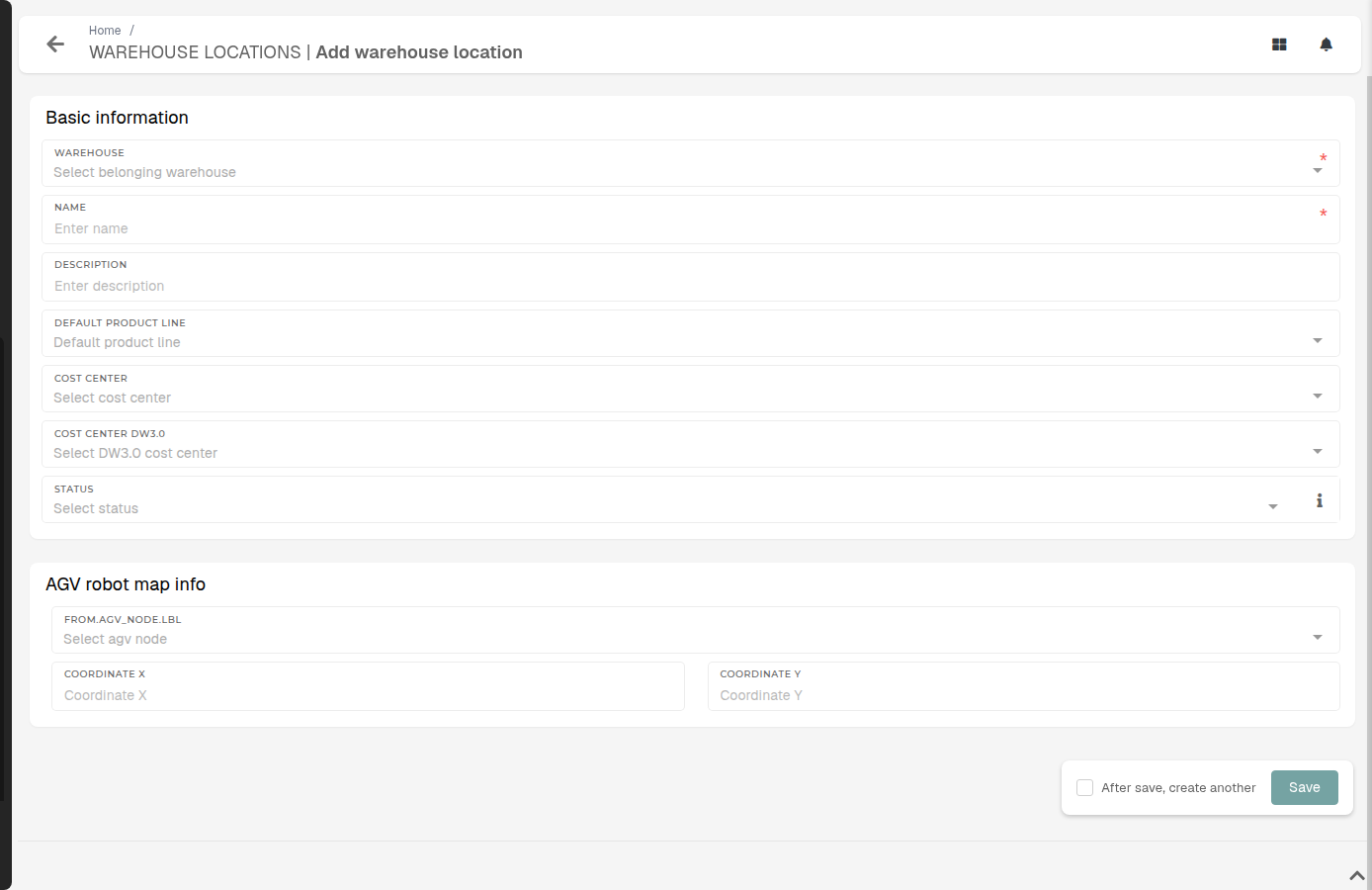 The new warehouse location form