Appearance
Stock transactions
A read-only ledger of every stock movement in the ERP — goods receipts, transfers, write-offs, rebooks, and more, all in one place.
1. Open Stock transactions
Go to Admin > Stock transactions. Each row is one stock movement — the product, quantity, warehouse location, and the document that caused it.
 The Stock transactions toolbar
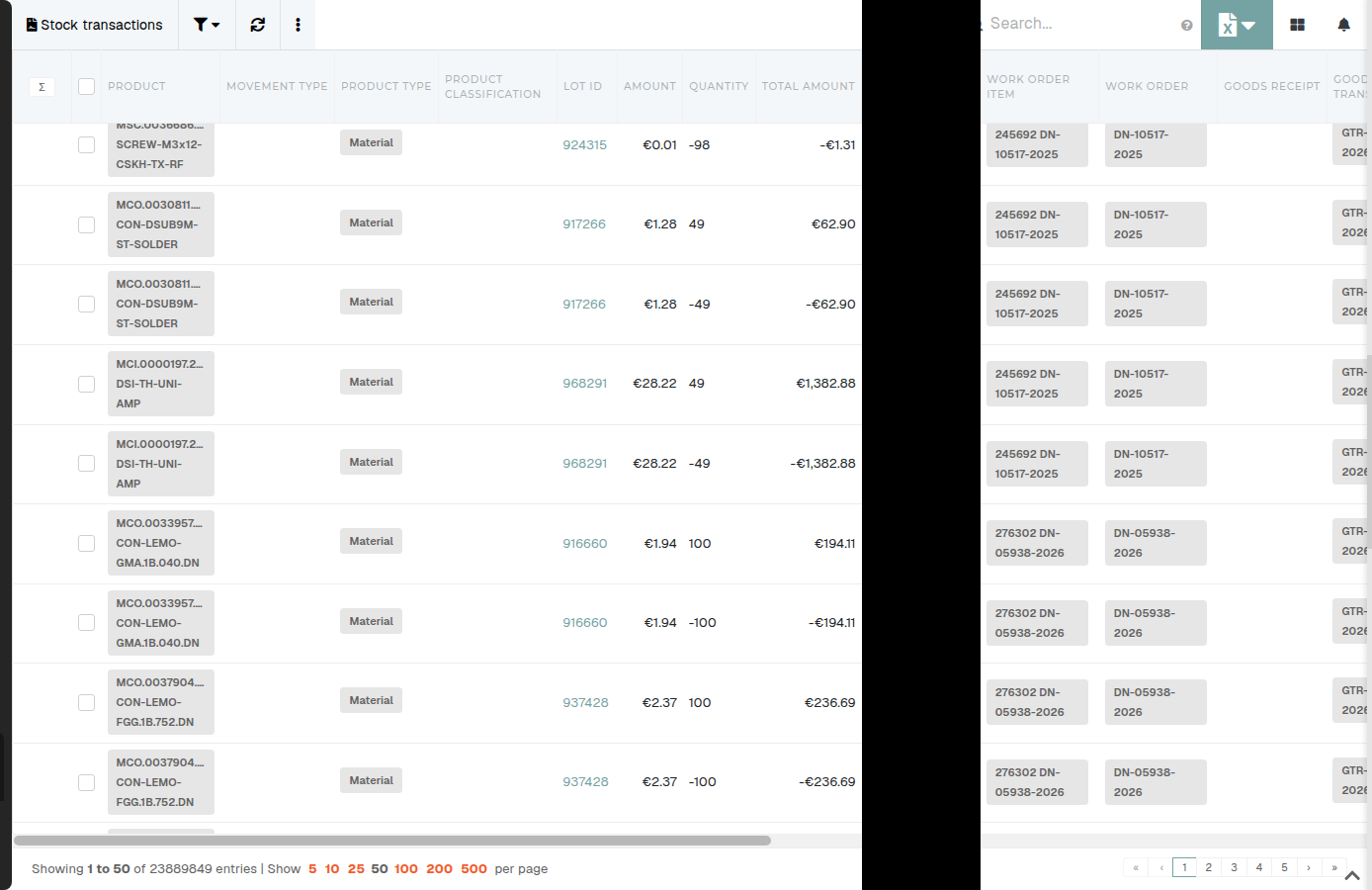 The Stock transactions table
NOTE
This list is read-only — stock transactions are created automatically by other documents, not entered here directly.