Appearance
Create a new fixed asset
Create a fixed asset to track a piece of company equipment individually.
1. Open the new fixed asset form
Go to Fixed assets and click + in the top bar.
 The Add button on the Fixed assets list
2. Fill in the name
Enter a Name for the asset.
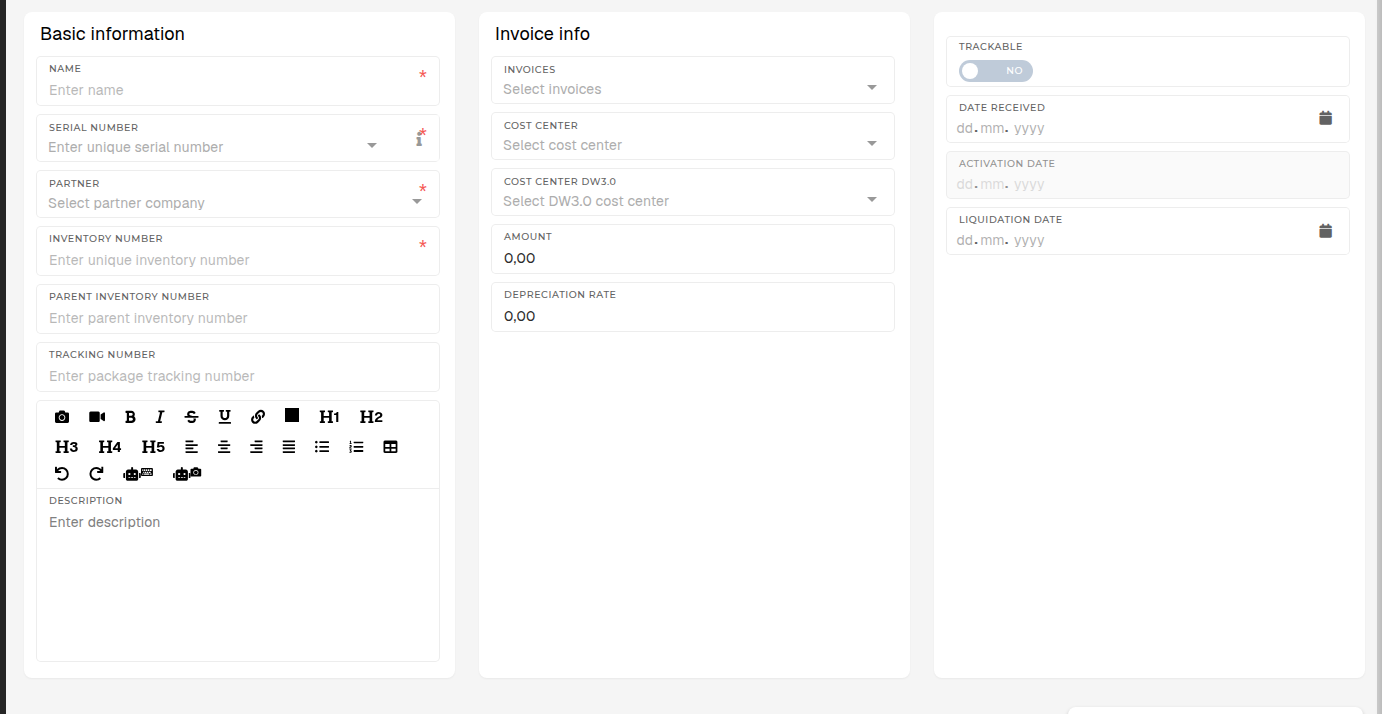 The new fixed asset form
NOTE
A new asset is not in use yet: its Activation date stays empty until you activate it, and it does not depreciate until then.