Appearance
Event actions
Advanced: automation rules that trigger an action (like an HTTP call) whenever a specific event happens in the ERP.
1. Open Event actions
Go to Admin > Event actions. Each row links an event to an action — for example, calling a URL whenever a document is created.
 The Event actions toolbar
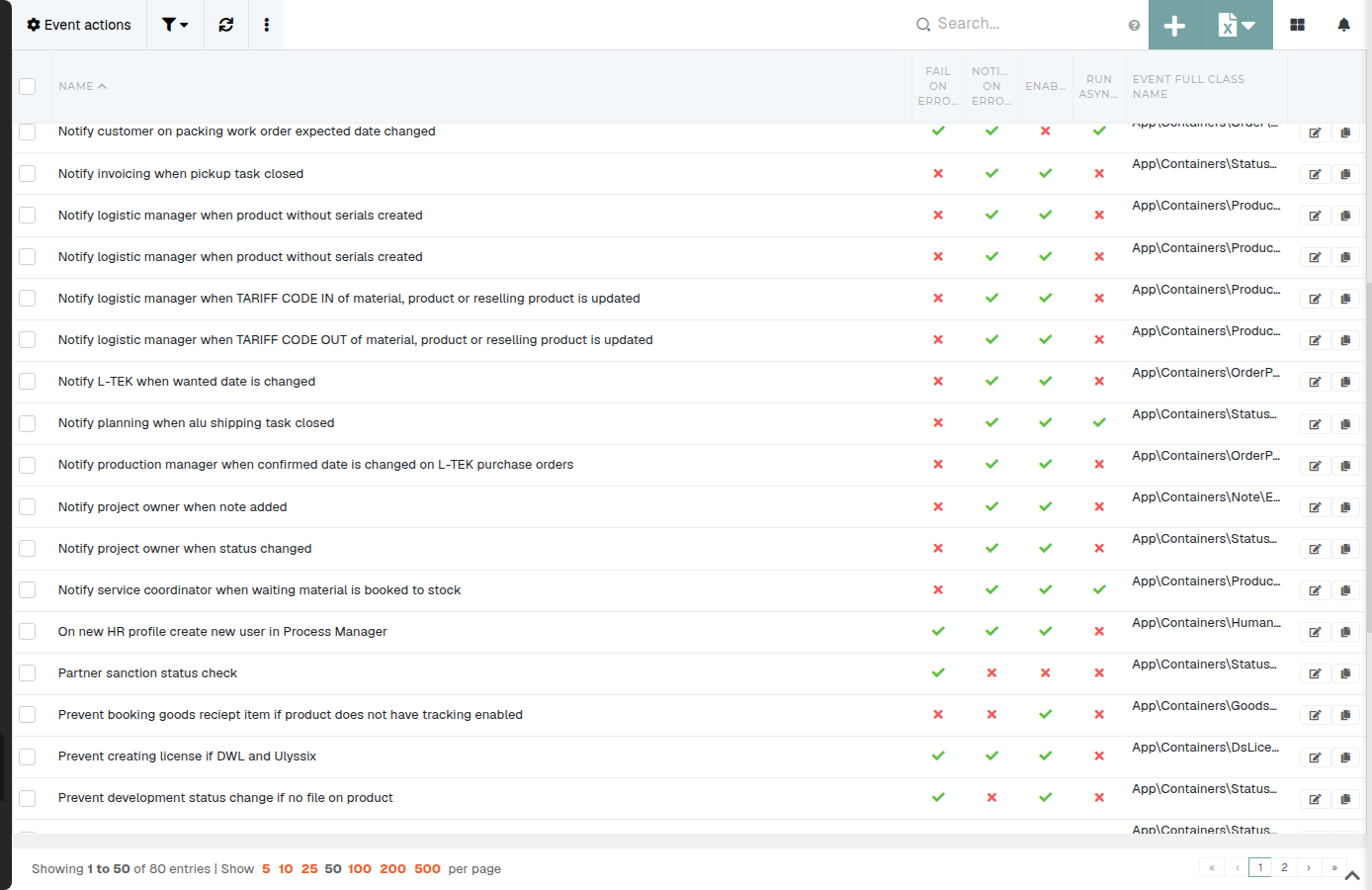 The Event actions table
CAUTION
Disabling or misconfiguring an event action can silently break automation elsewhere in the ERP — only a developer or administrator should change these.