Appearance
Create a new upgrade order
Create an upgrade order when a customer sends a product in to have it upgraded.
1. Open the new upgrade form
Go to Upgrade and click + in the top bar.
 The Add button on the Upgrade orders list
2. Fill in the basics
Pick the handling country, the customer, the partner and the serial to upgrade.
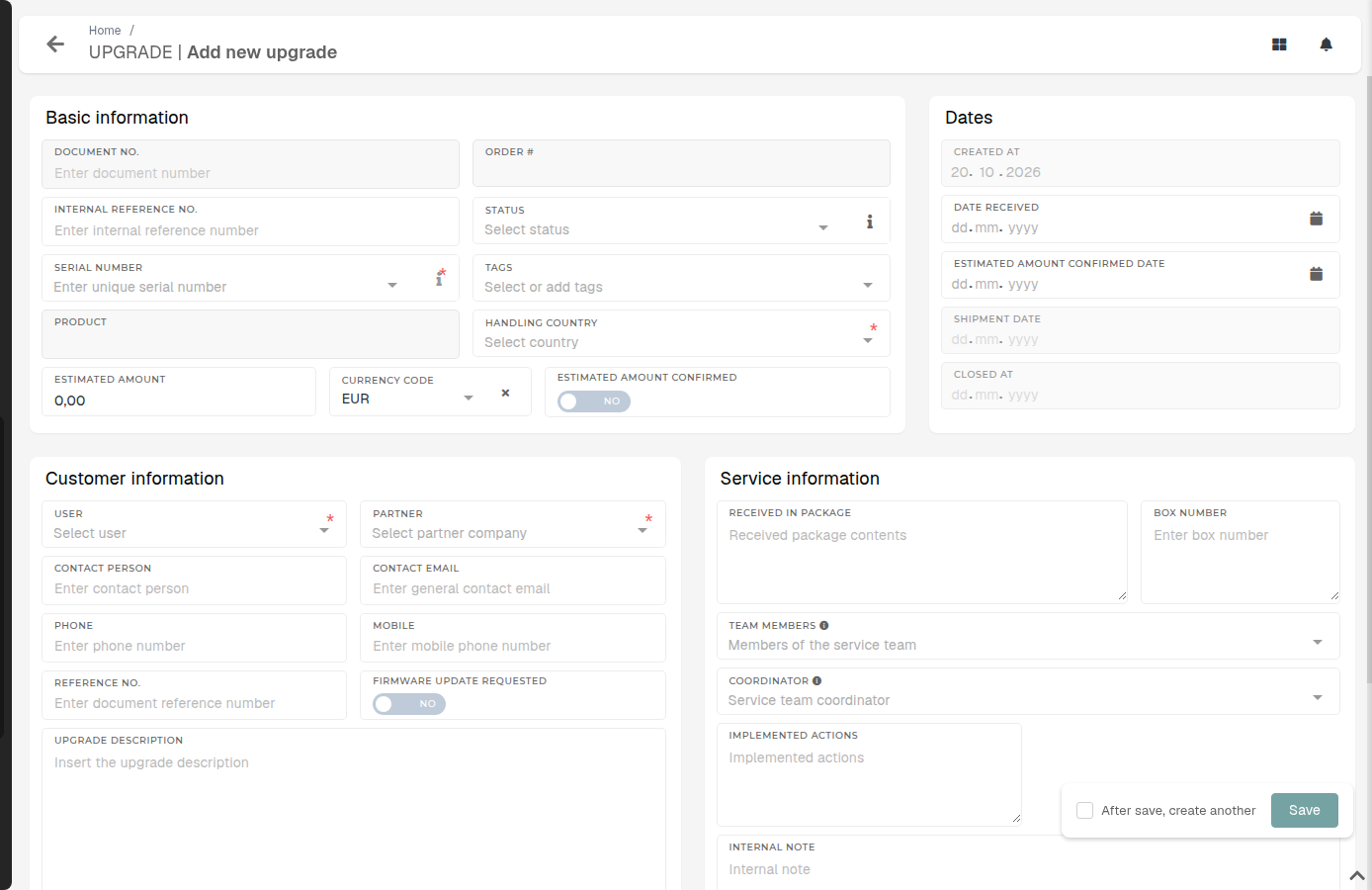 The new upgrade order form