Appearance
Stock adjustment detail
A stock adjustment’s items editor, booking action, and cancellation.
1. Basic information
The document type, an optional link to the stock taking it came from, the document number, status, and booking date.
 The Basic information fieldset
2. Add items
Under Items, add one line per product/lot/warehouse location combination you need to adjust, with the quantity and amount to apply.
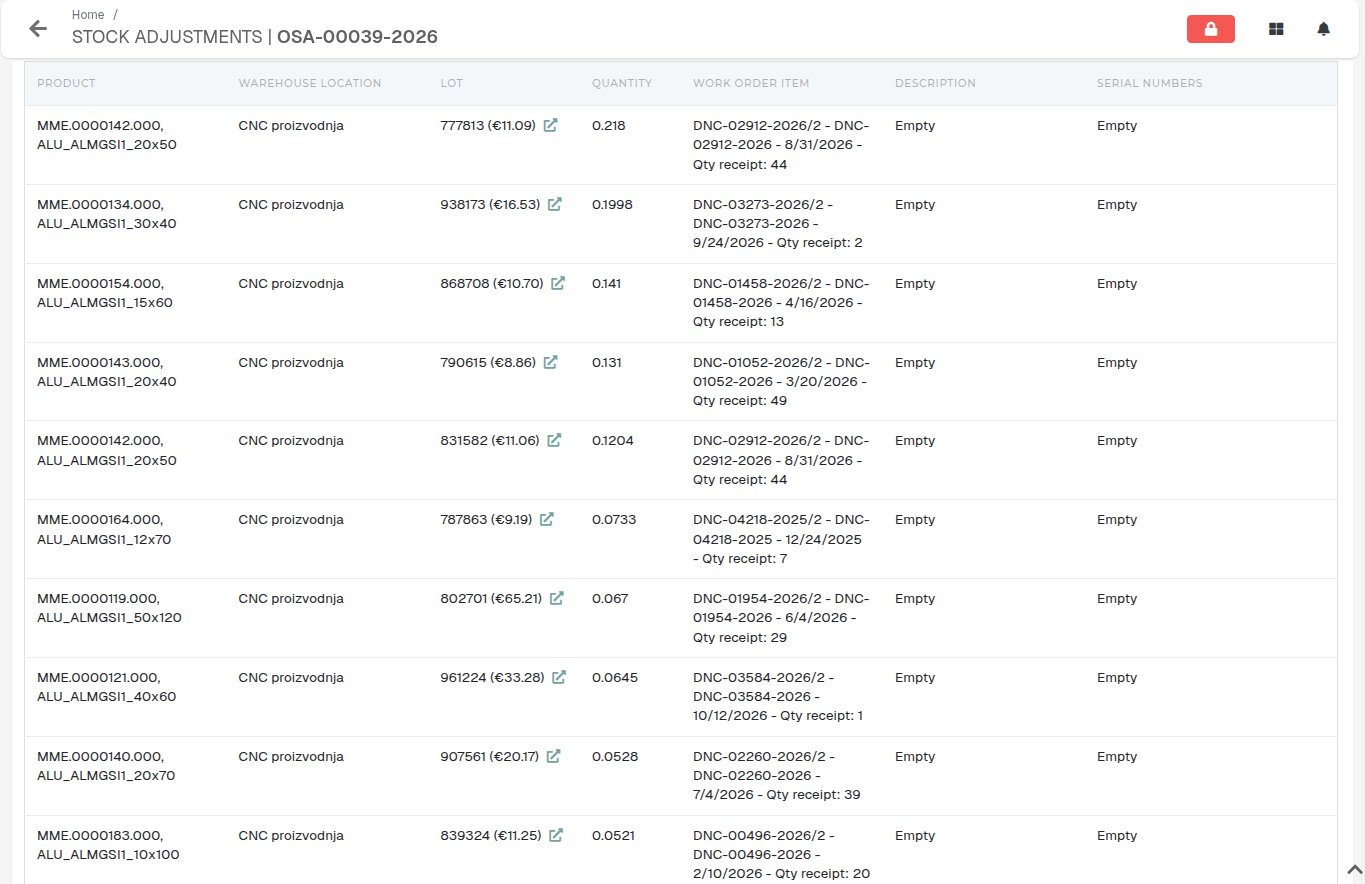 The Items fieldset
Once the items are correct, click Book to stock in the toolbar to apply the adjustment.
CAUTION
Once booked, a stock adjustment can only be reversed by canceling it from the Danger zone — canceling deletes the stock transactions it created.