Appearance
Custom fields
Advanced: adds extra fields to an existing table without changing the ERP’s own code.
1. Open Custom fields
Go to Admin > Custom fields. Each row is one extra field added to a table — its name, label, and type.
 The Custom fields toolbar
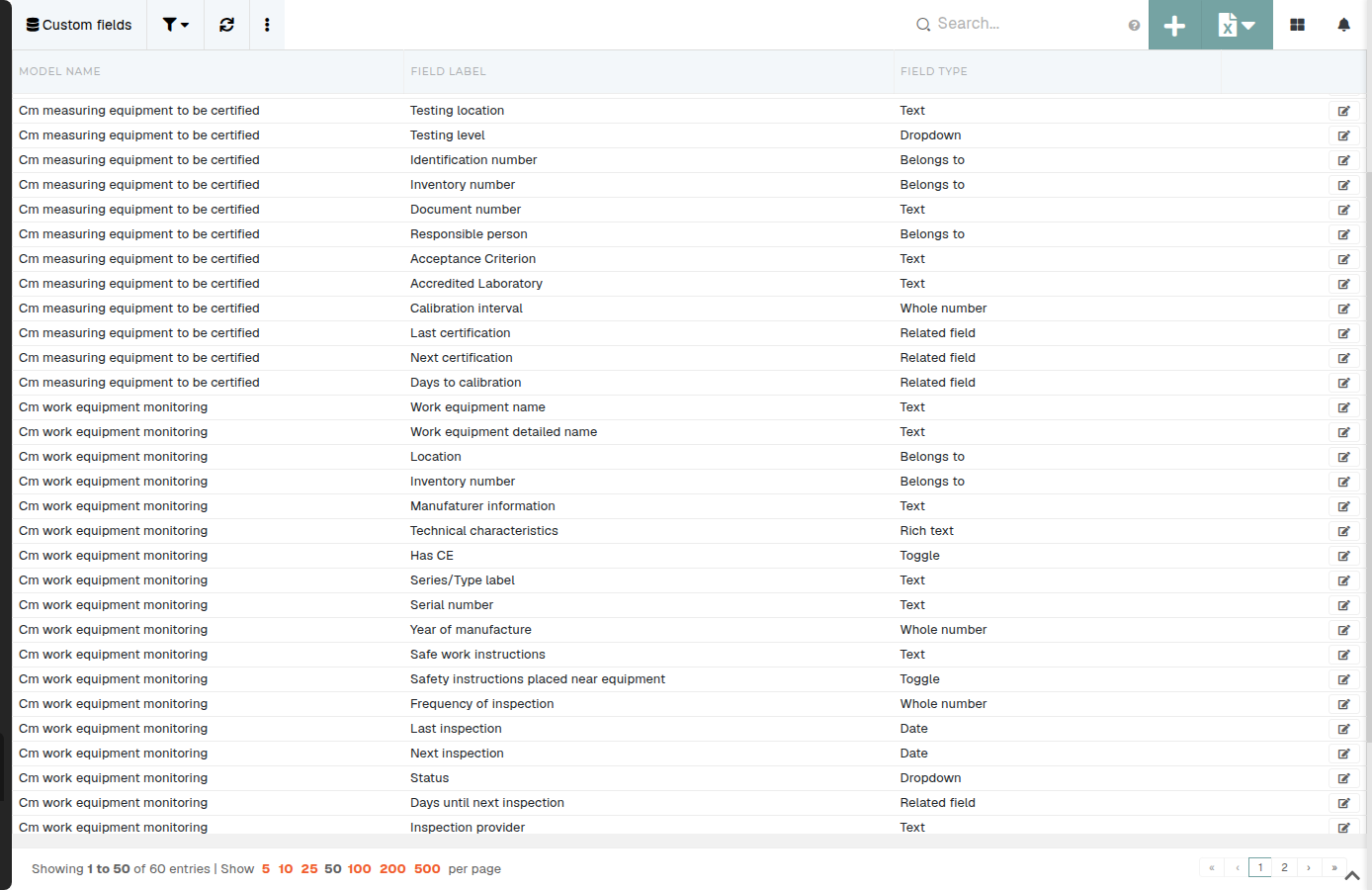 The Custom fields table
CAUTION
Custom fields change the data structure of the ERP itself — only a developer or administrator should create or edit one.