Appearance
Create a new user
Create a new account for someone who needs to log into the ERP.
1. Open the new user form
Go to Users and click + in the top bar.
 The Add button on the Users list
2. Fill in the basics
A first name, last name and email are all that’s required — everything else, including roles, can be set up afterwards.
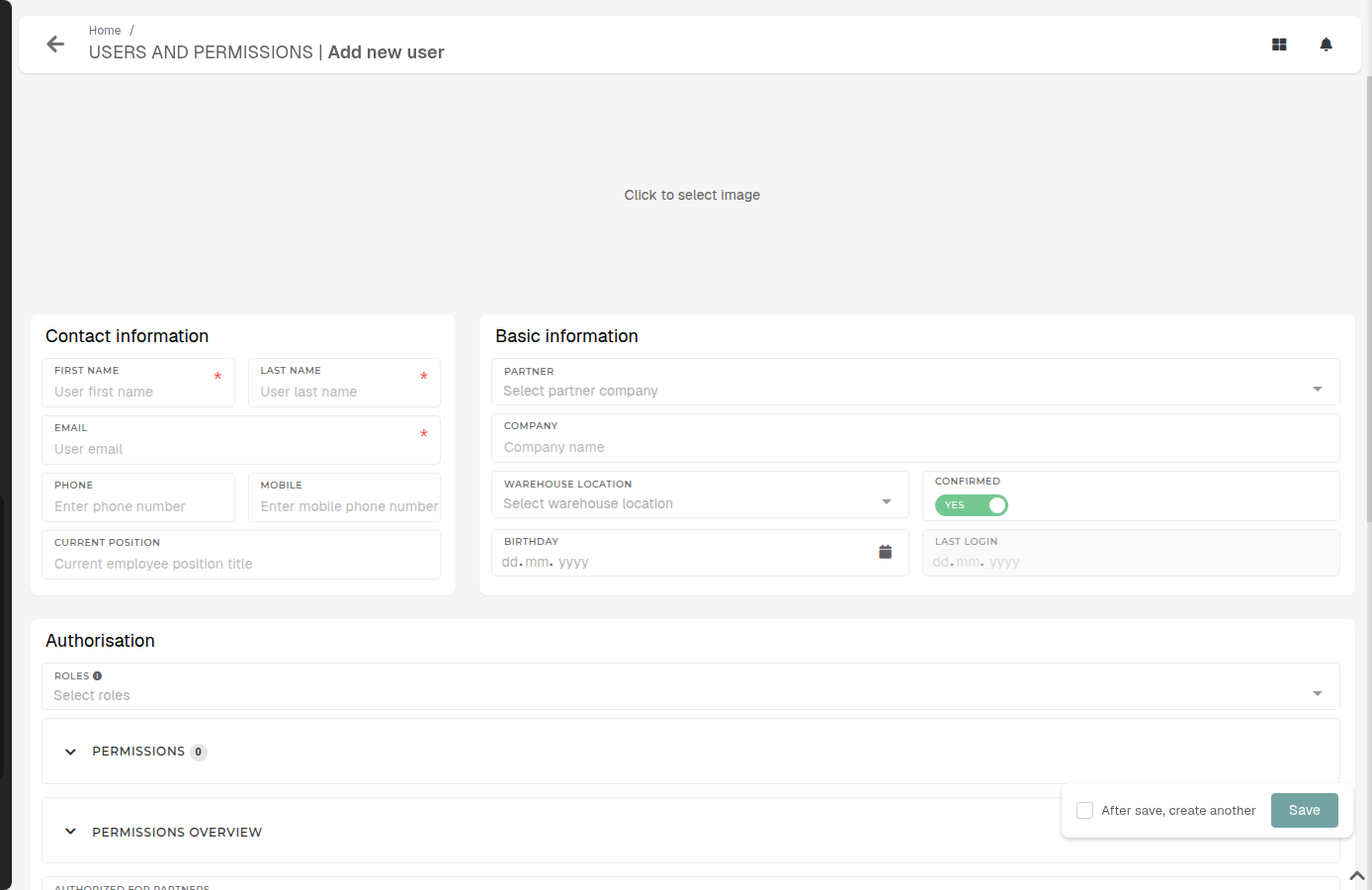 The new user form