Appearance
Access & authorization
Permissions and roles control what everyone can see and do in the ERP.
1. Permissions
Permissions control access to most of the ERP: which pages you can visit, which entries you can view, create, update or delete, and which links show up in the menu. Every table has many permissions — among them, the main ones are Create, View, Update, Delete and Menu.
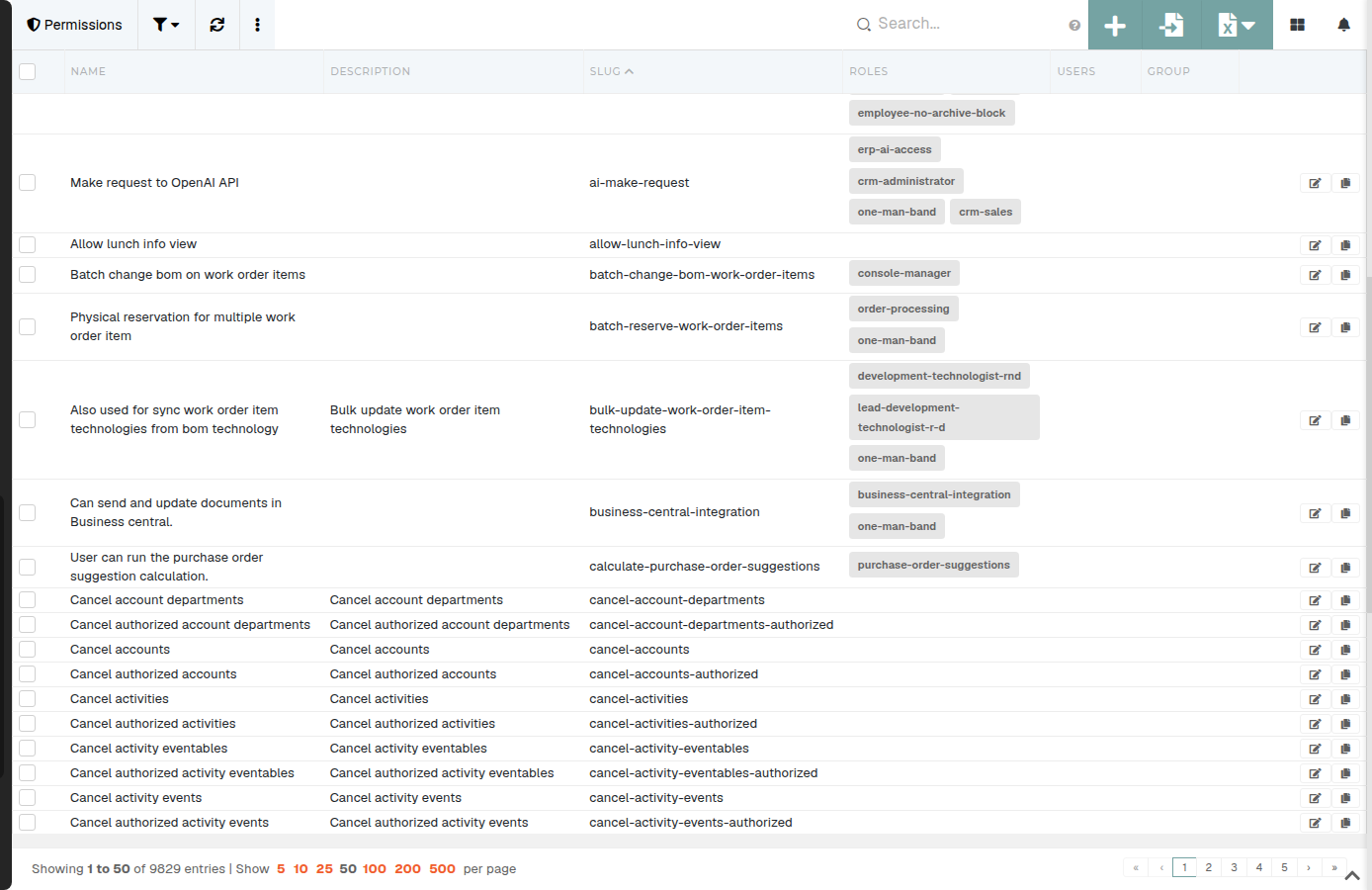 The Permissions list
Some permissions have an authorized suffix — these grant a more restricted version of the access, typically limited to records you have some direct relationship to, rather than every record in the table.
2. Roles
A role is a named group of permissions, assigned to a user all at once instead of one by one. Roles can also be purely informational, labeling users as a particular job type.
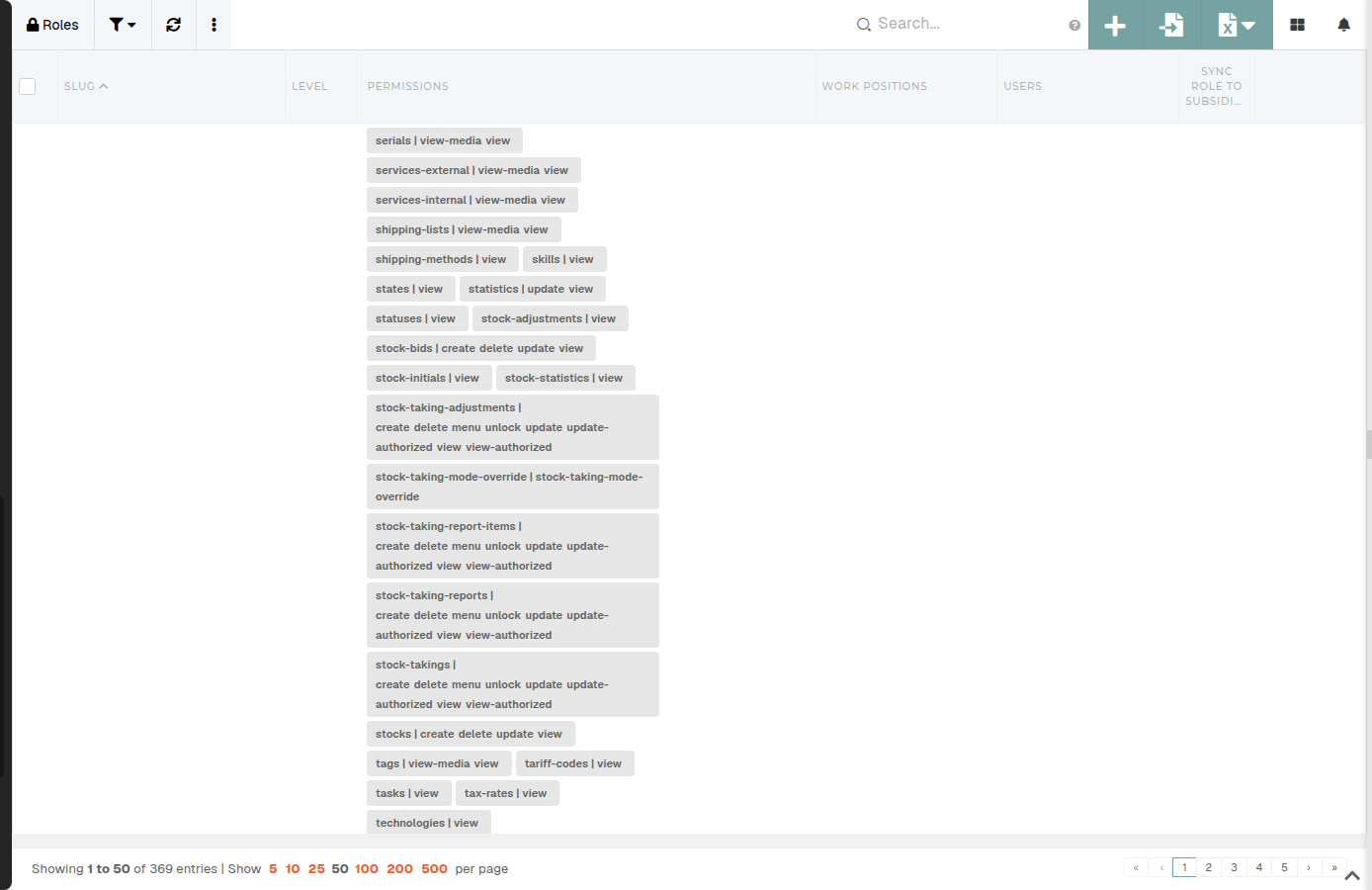 The Roles list
NOTE
Roles can be assigned directly to a user, or to a work position in the HR module — every user holding that position then inherits the role’s permissions.