Appearance
BOM products
A flattened, filterable table of every product line across all bills of material — useful for finding every BOM that uses a given product.
1. Open BOM products
Go to Production > BOM products. Each row is one product line inside one BOM: its quantity, alternative-product policy, and the parent BOM and product it belongs to.
 The BOM products toolbar
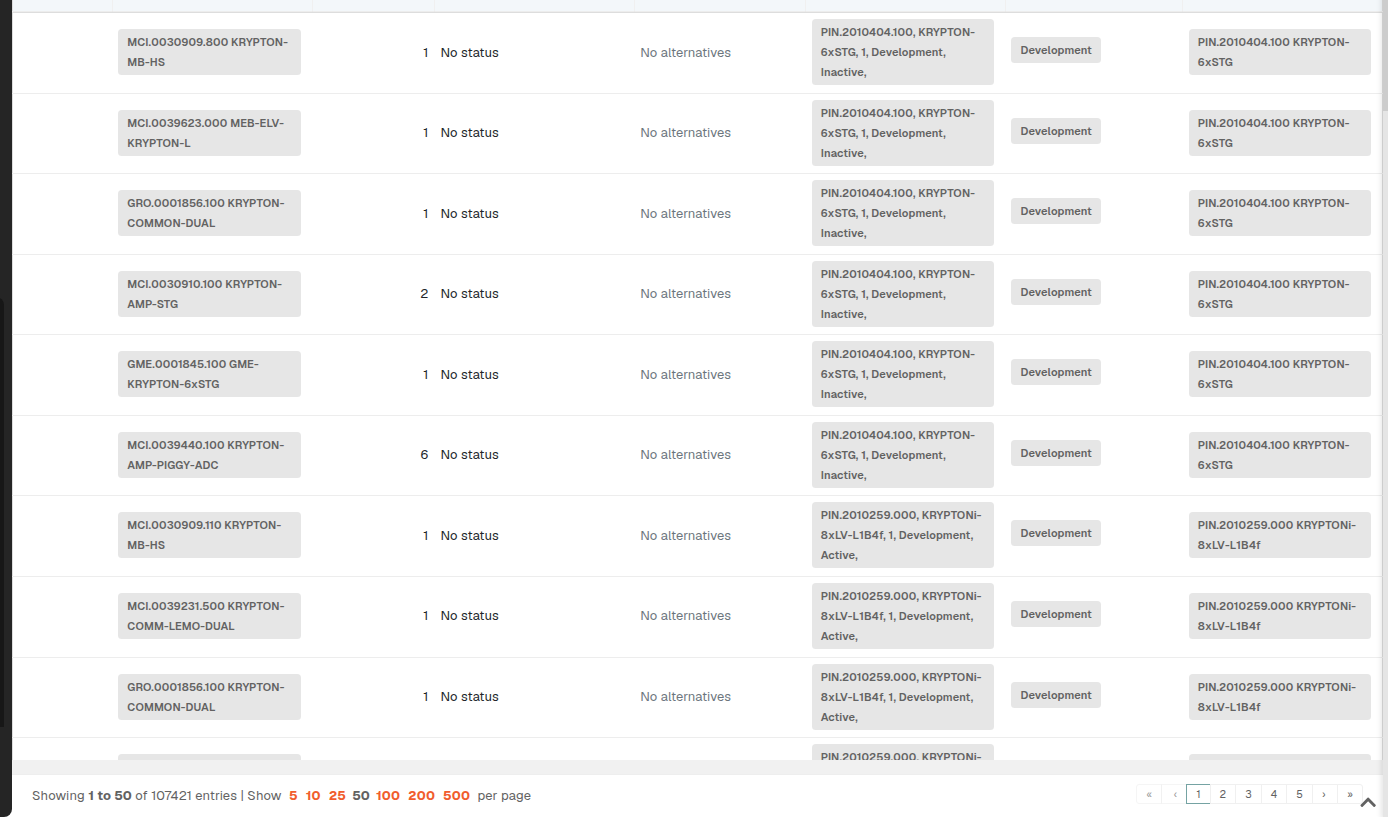 The BOM products table
This is a browse-only report — to change a BOM line, open the parent product's Bill of material section instead.