Appearance
Releases
When a new version of the ERP is deployed, a badge appears letting you load it whenever you’re ready.
1. Spot the new release
A New update badge appears in the menu bar. Click it to see your options.
 The new release badge
2. Load it, or keep working
Click Load new version to refresh immediately, or dismiss the popup and refresh later when it suits you — the badge stays until you do.
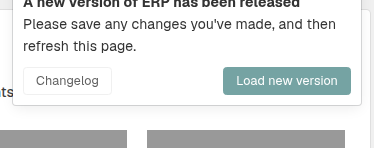 The new release popup
NOTE
The badge is per browser tab. If you have the ERP open in several tabs, each one needs its own refresh.