Appearance
Update an existing goods rebook
Goods rebooks are linked directly to stock transactions, so most of a booked rebook is locked — open one to see what can still be changed.
1. Open a goods rebook
Go to Goods rebooks and click the edit icon next to one.
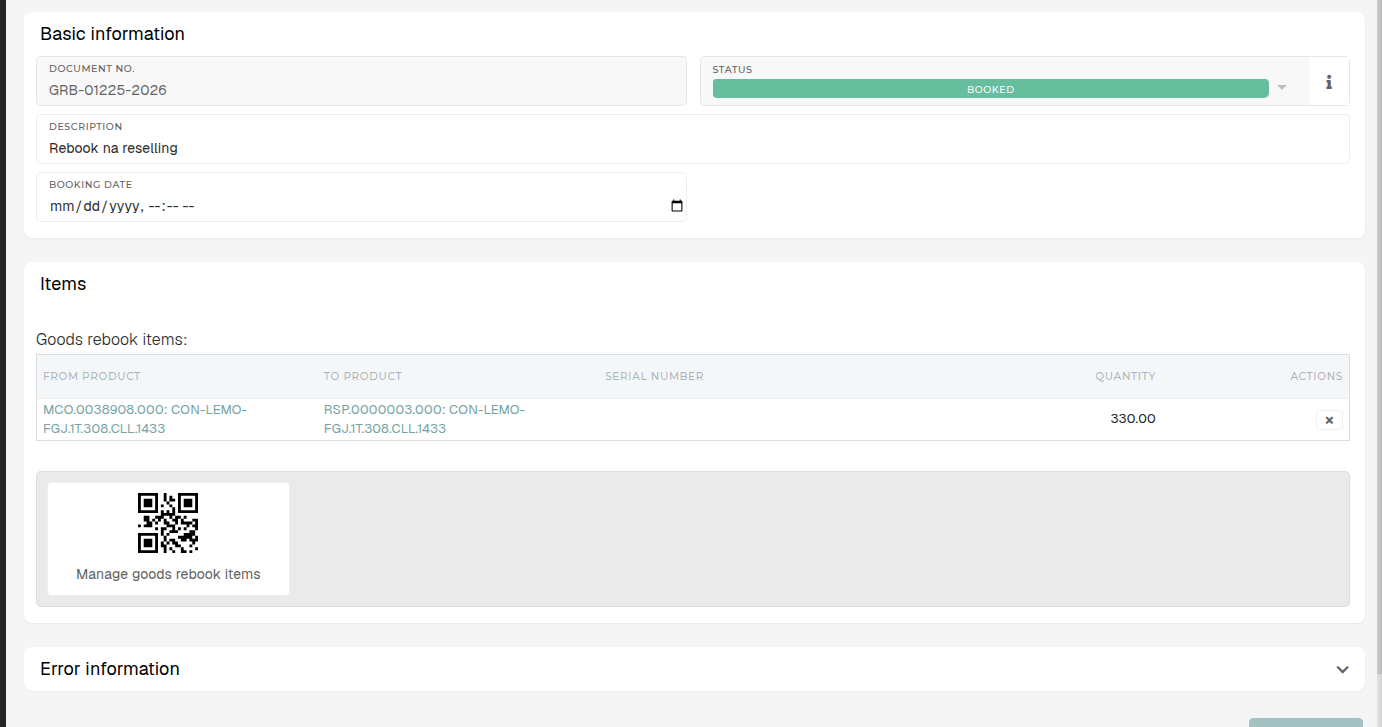 The goods rebook page
NOTE
Once a rebook is booked, its status and items are locked — only the description can still be edited. Cancel it instead if something’s wrong. See Cancel a goods rebook.