Appearance
Create New Entry
Every table in the ERP has the same shortcut for adding a record: the + button.
1. Click +
On any list page, click the + button in the top right to start a new entry.
 The + button, on the Products list
2. Fill in the form
This opens a form for the new record — here, a new product. Fill in its fields and save.
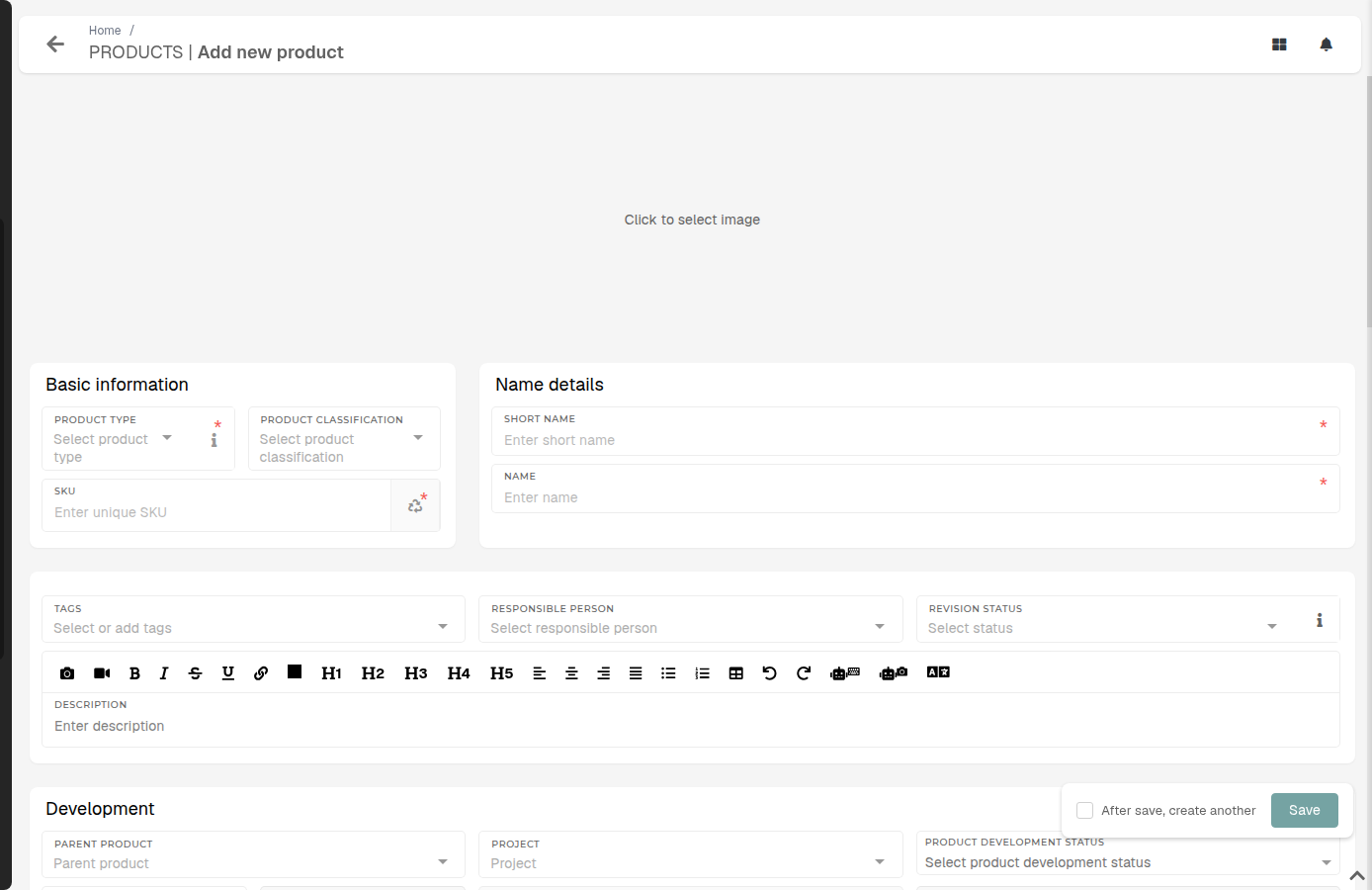 The new entry form