Appearance
Partner detail
A partner record holds everything about one customer, supplier, or other business contact — company details, addresses, bank accounts, invoicing settings, and more, all on one page.
1. Open a partner
Go to Code lists > Partners and open one. The toolbar lets you print distributor documents, and — if those integrations are configured — send the partner to Business Central or Easybill.
 A partner’s toolbar
2. Basic information
Company type, name, VAT number and ID, registration number, payment terms, tags, and similar core details.
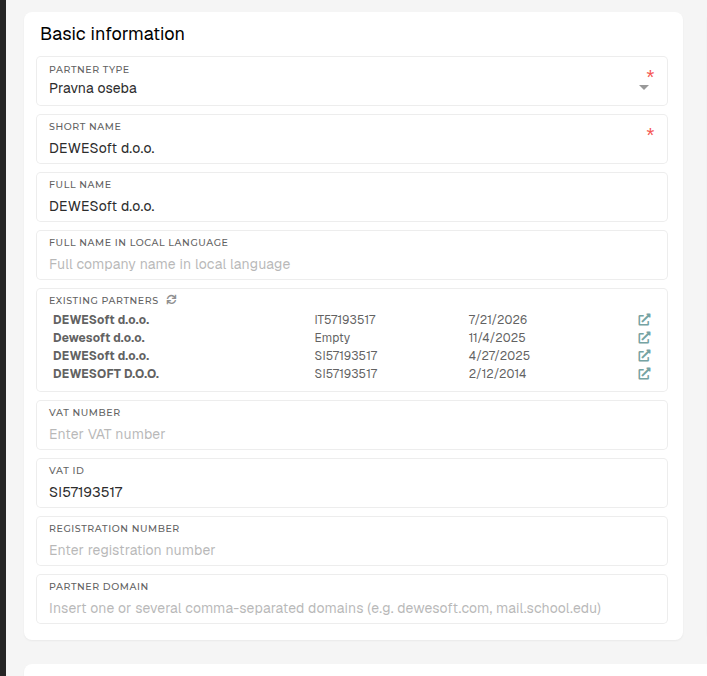 The Basic information section
3. Contact information
Phone, mobile, fax, email, and website for the partner as a whole.
 The Contact information section
4. Addresses
A partner can have multiple addresses — billing, shipping, or otherwise — each with its own contact name, email, and phone.
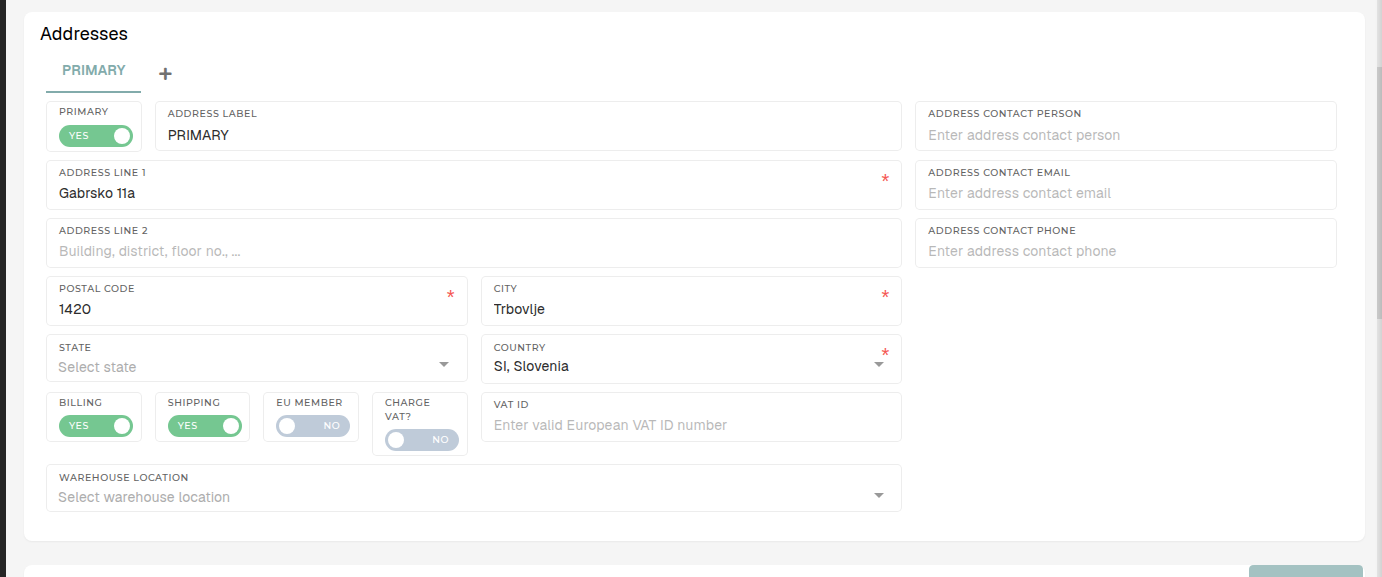 The Addresses section
Further down the page: Accounting (accounting templates, default cost centers), Bank information (one or more bank accounts), Invoice info (invoice approvers and which documents to attach by default), and Authorization info (which users are authorized to see or act on this partner). Below the form: a Partner products table for partner-specific pricing or SKUs, a file manager, notes, and an activity log.