Appearance
Tags
A hierarchical tagging system used to categorize records across the ERP.
1. Open Tags
Go to Code lists > Tags. Each row is one tag, optionally nested under a parent tag.
 The Tags toolbar
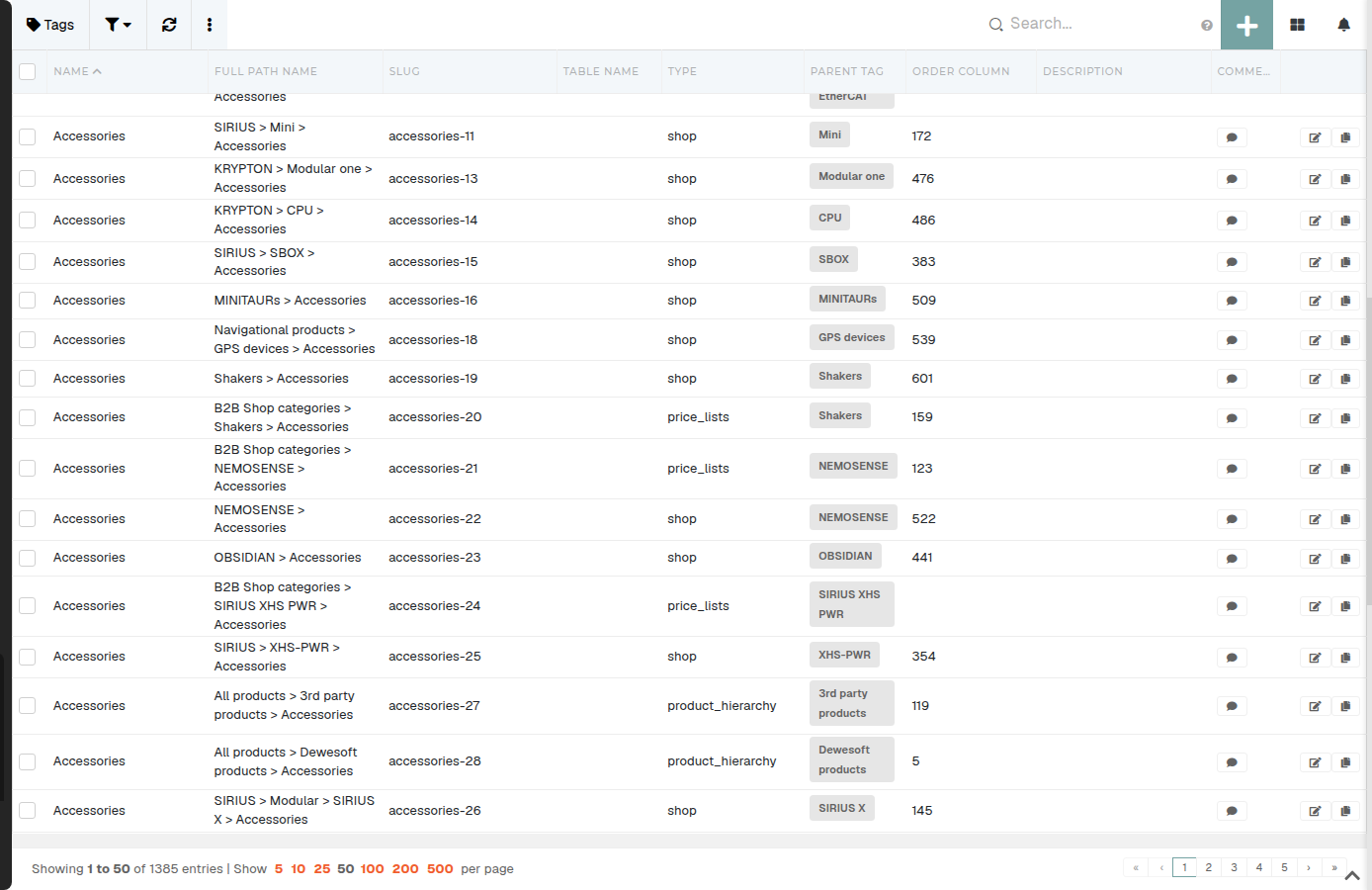 The Tags table
NOTE
Opening a product tag reveals a Configurator data section controlling how it behaves in the product configurator (available slice outputs, price-list restrictions, menu visibility), plus a Sync to related tags action to copy its settings to similar tags. To reorder or re-nest tags in bulk, use Code lists > Tags editor instead of editing them one at a time here.