Appearance
Troubleshooting: duplicated serials
Occasionally two serial number records get created for what is really the same physical unit. Resolve it by consolidating the two into one.
1. Compare the two serials
Open both serial records side by side, and compare their fields — they often aren’t identical. Copy over any information present on one but missing on the other, so neither loses data.
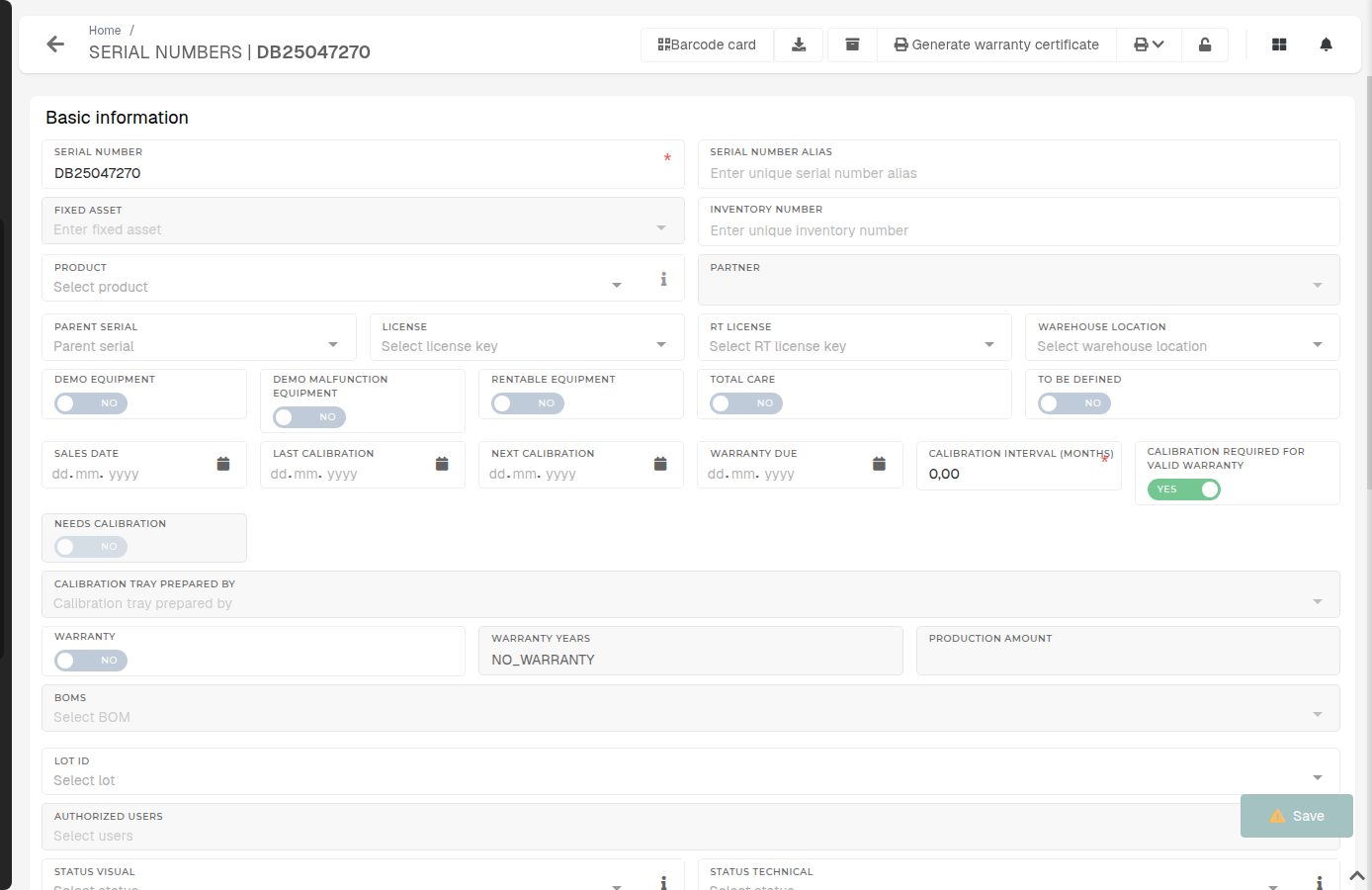 A serial’s own fields, to compare against its duplicate
2. Check stock transactions on each
Open Stock transactions on each serial. The one with real transaction history is the one actually in use; the other is the orphaned duplicate. See Troubleshooting: find serial stock source for how to read that table.
3. Sync files, then delete the orphan
Copy over any calibration reports or other documents from the orphan onto the serial you’re keeping, via File manager. Once confirmed, delete the orphan — only once it has no stock transactions.
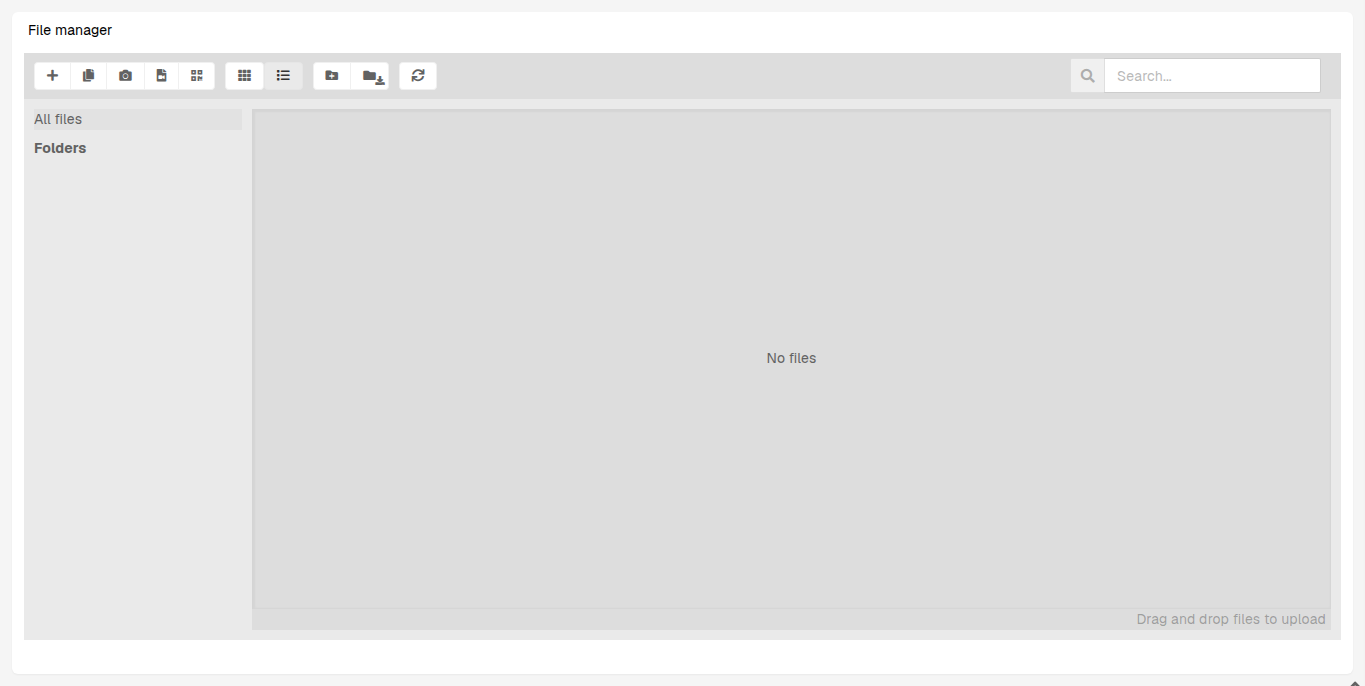 The File manager section
IMPORTANT
Only delete the serial that has no stock transactions. Deleting the one with real transaction history would lose that history.