Appearance
Order processing
The sales-order view of what's in production — one row per order, with its work orders and their reservation status.
1. Open Order processing
Go to Production > Order processing. Use the Month/Week picker to filter by expected delivery date. Each row is one sales order.
 The Order processing toolbar
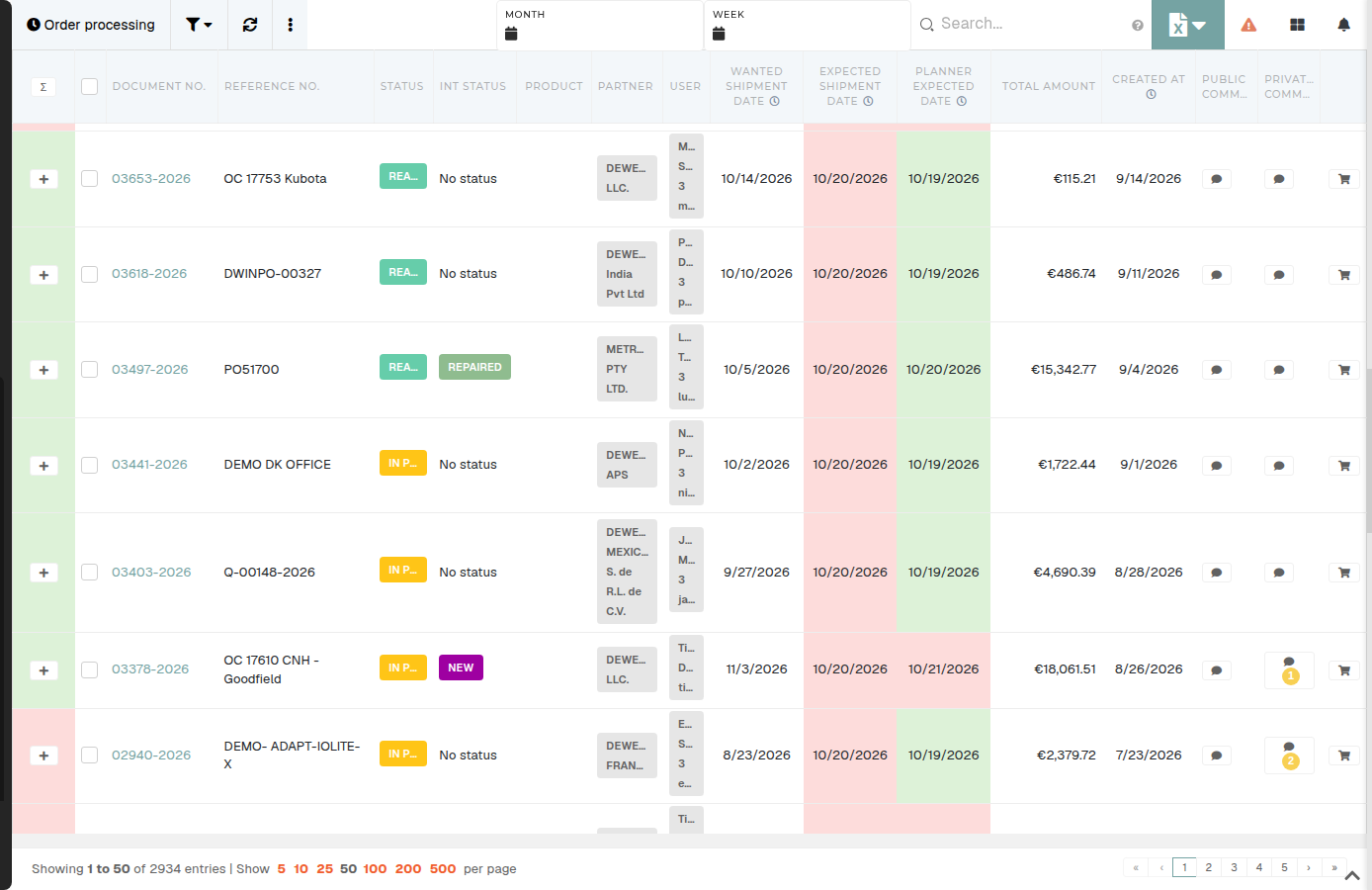 The Order processing table
Expand a row to see the order's work orders, colored by whether their bill of material is fully reserved — from there you can create a packing work order, split it to single-piece flow, or print it.
NOTE
For a work-order-centric planning board instead — with planner-bin assignment and bulk scheduling tools — see Production (the other board, at /production2).