Appearance
Stock adjustments
A standalone document for correcting stock quantities directly, with its own items, status, and booking workflow — separate from the counting-based Stock taking process.
1. Open Stock adjustments
Go to Warehouses > Stock adjustments. Each row is one adjustment document: its document type, status, and booking date.
 The Stock adjustments toolbar
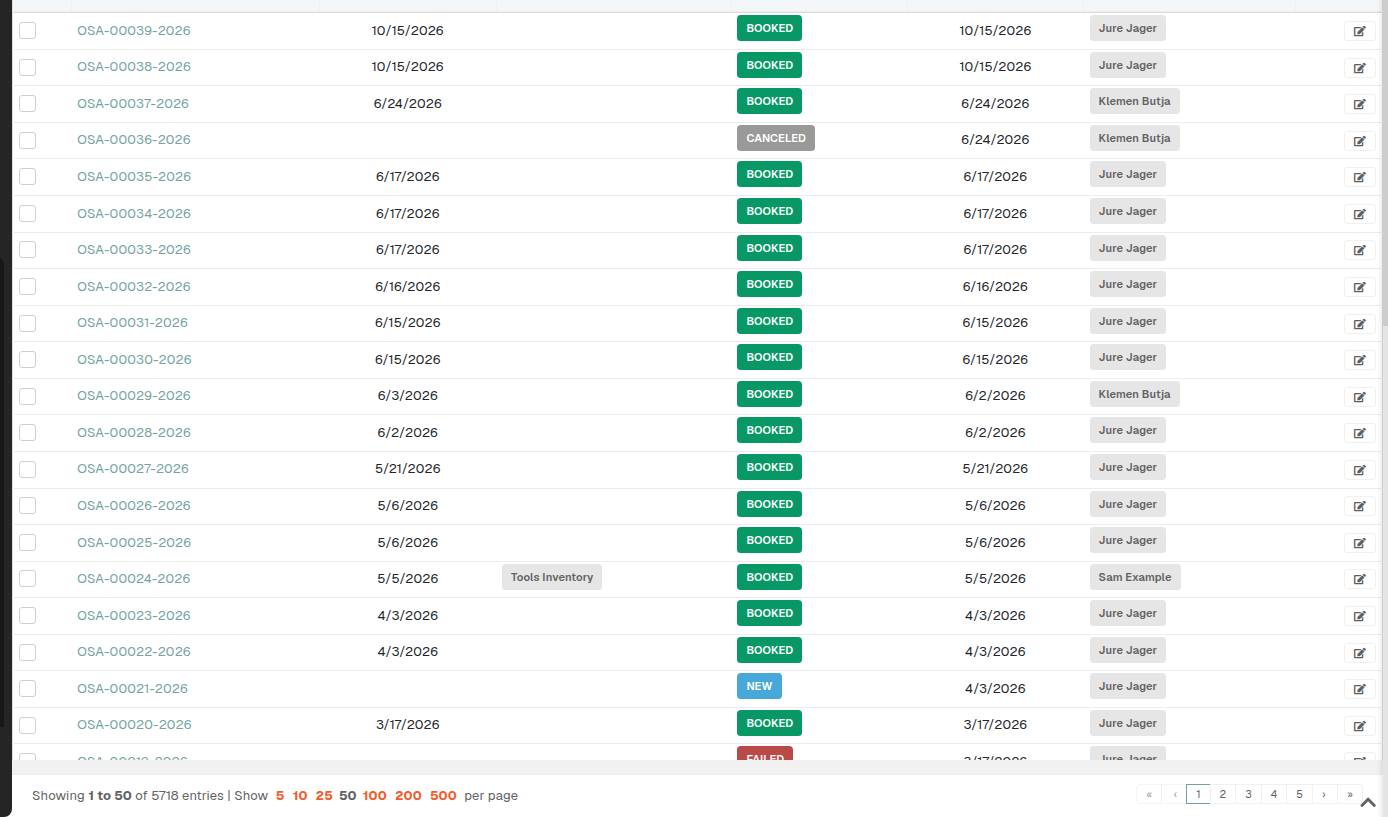 The Stock adjustments table
NOTE
Stock adjustments are different from Stock taking adjustments — a stock adjustment is a document you create directly to correct quantities, while a stock taking adjustment is the read-only discrepancy report produced by a Stock taking count. A stock adjustment can optionally reference the stock taking it came from.