Appearance
Create a new role
Create a role to group a set of permissions under one name, ready to assign to users.
1. Open the new role form
Go to Roles and click + in the top bar.
 The Add button on the Roles list
2. Name it and pick its permissions
A name is all that’s required — its slug fills in automatically. Check the permissions this role should grant further down the form.
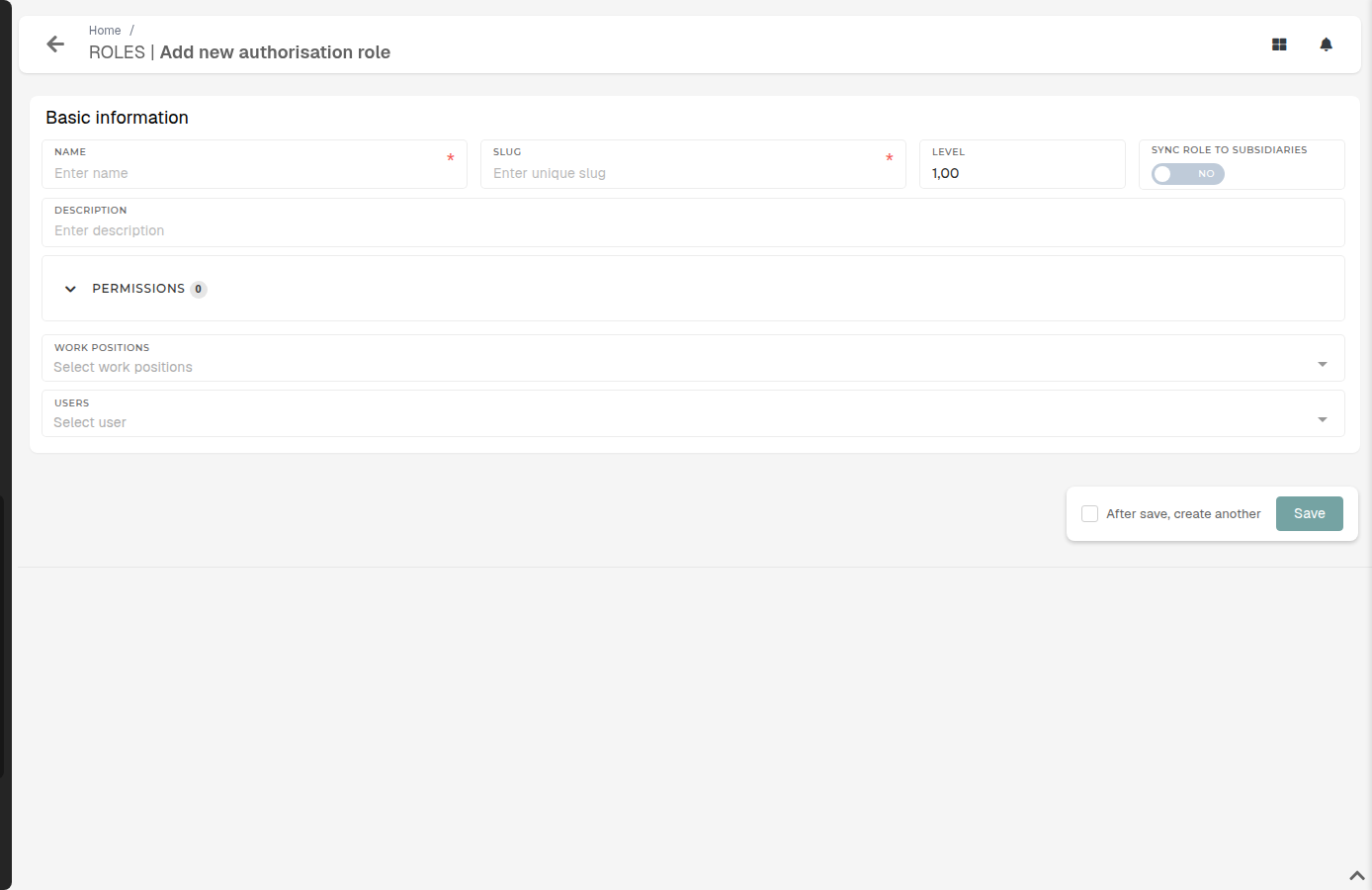 The new role form