Appearance
Attach a serial to a sale order
Link a specific serial number to an item on a sales order.
1. Open the item’s sub-items
On the sales order, find the item in the Product list and click + to reveal its sub-items — this is where serials attach.
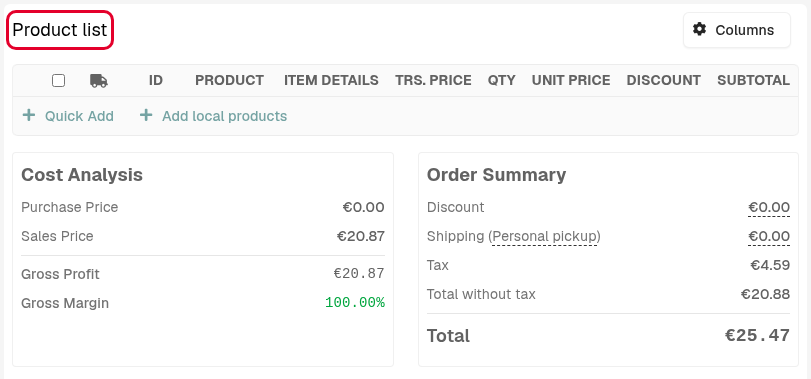 The Product list section
Click Link existing instrument serial number to open a dropdown and pick one. A serial only appears if its product matches the order item’s product (service-type items accept any eligible serial) and it’s physically in your warehouse.
NOTE
Requires the View sales order and Update sales order permissions.