Appearance
Create a new product
Create a product to add a material, part, tool or finished good to the catalog.
1. Open the new product form
Go to Products and click + in the top bar.
 The Add button on the Products list
2. Fill in the basic information
Pick the Product type, then fill in the Short name and Name. All three are required.
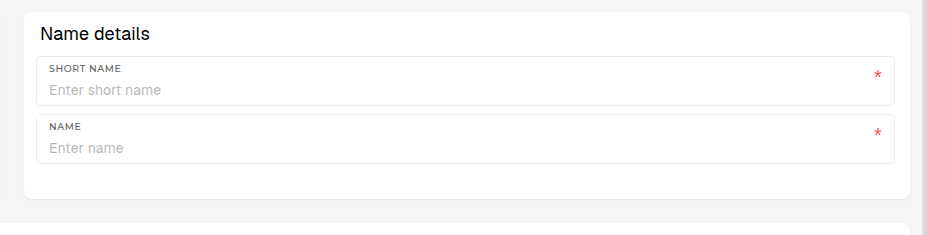 The new product form
The SKU fills in automatically once you pick a product type — see How SKUs are generated. Everything else on the form is optional at this point.