Appearance
Received invoices items
A flat, filterable list of every line item across every received invoice — useful for searching by product or status without opening each invoice.
1. Open Received invoice items
Go to Purchases > Received invoice items. Each row is one line item from a received invoice — filter and sort to find items across every invoice at once, instead of opening invoices one by one.
 The Received invoice items toolbar
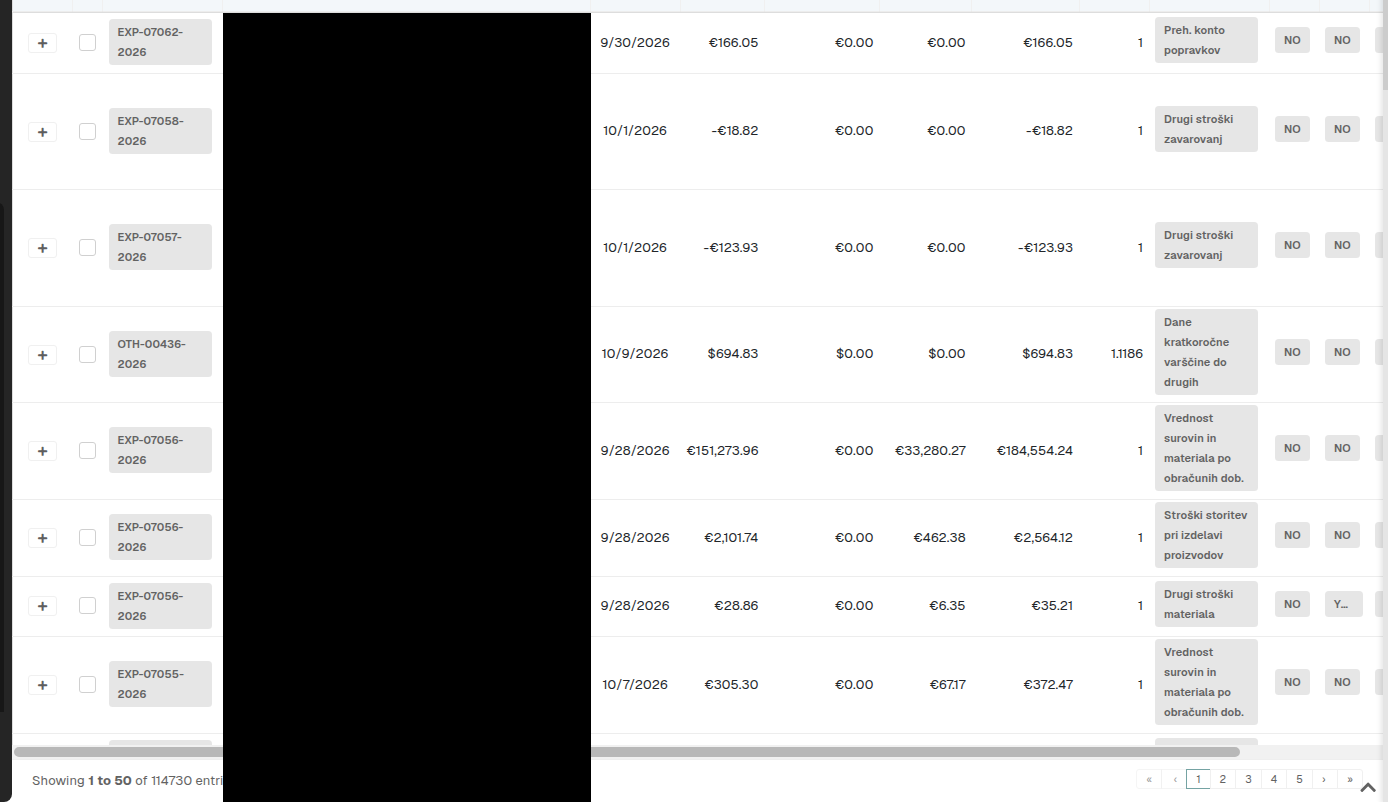 The Received invoice items table