Appearance
Update an existing user
Open a user to change their details, assign roles, or run a handful of admin-only actions.
1. Open a user
Go to Users and click the edit icon next to one.
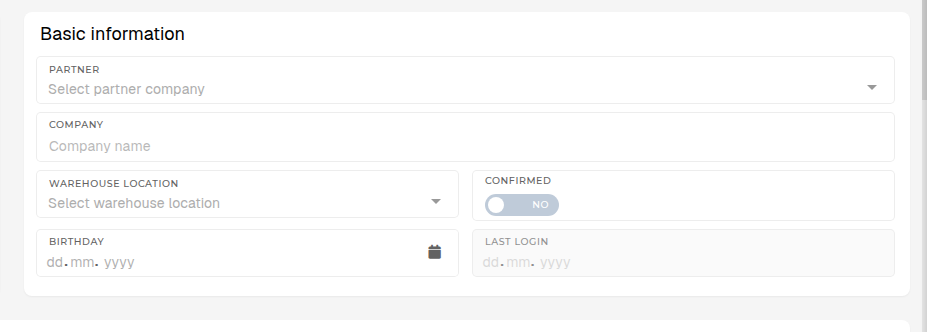 The user page
2. Admin-only actions
Depending on your permissions, the page header can also offer Copy roles (to other users), Tenant access, Remove MFA, Set password, a Reset password request, and Mask as [user] to view the app as them.
 The admin action buttons